 Makimedia
Your files come first
The library is built from your folders and works with the network off. A file that can't be identified still plays and still shows up.
Makimedia turns the video folders on your PC into a library with posters, details and progress, then streams it to your Android phone, tablet and TV over your home network. They find the PC on their own, with no server to set up, and the video never leaves your home.
The same films, shows and progress on your PC, tablet and TV. Pick a device and take a look around.
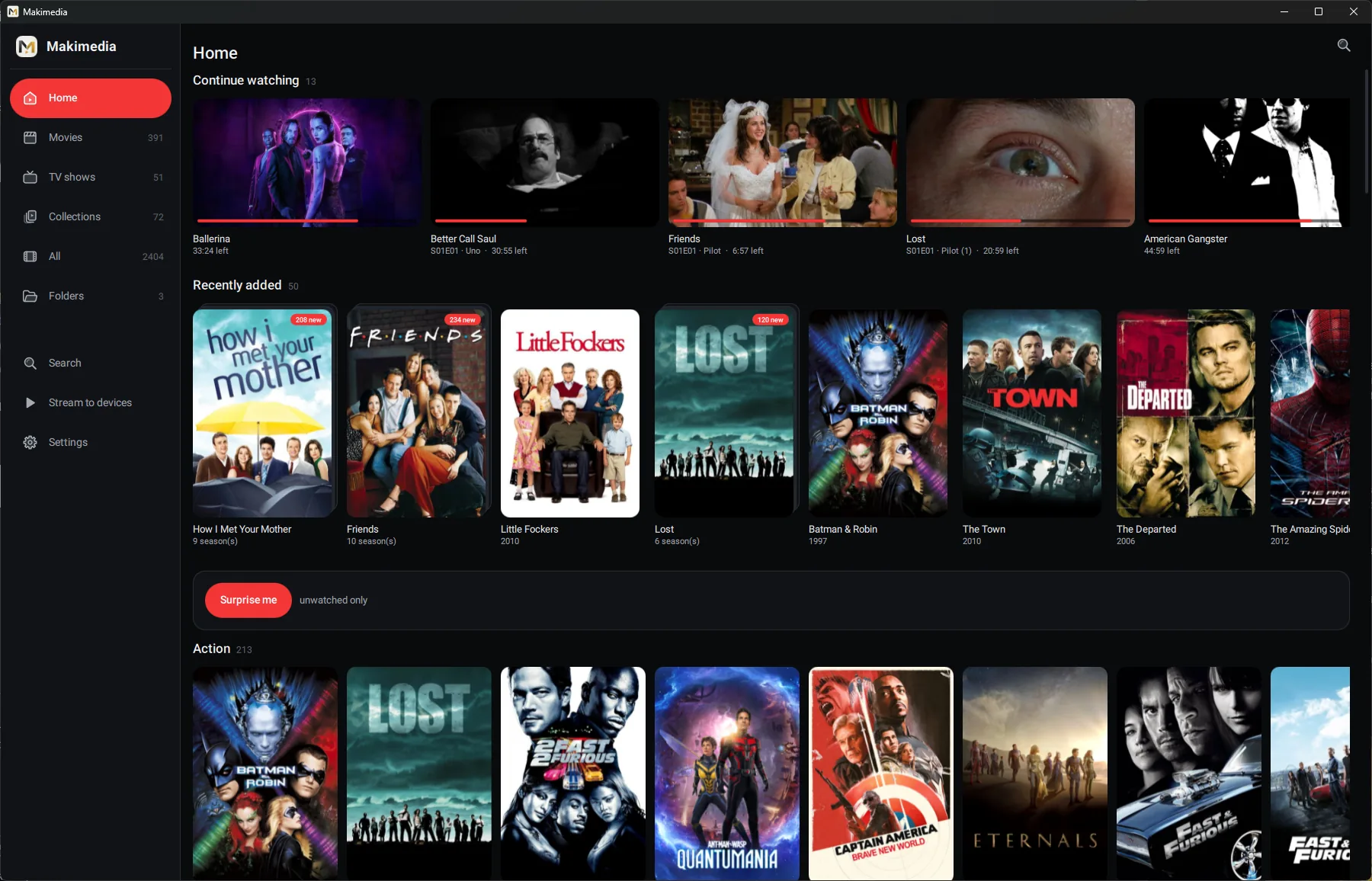
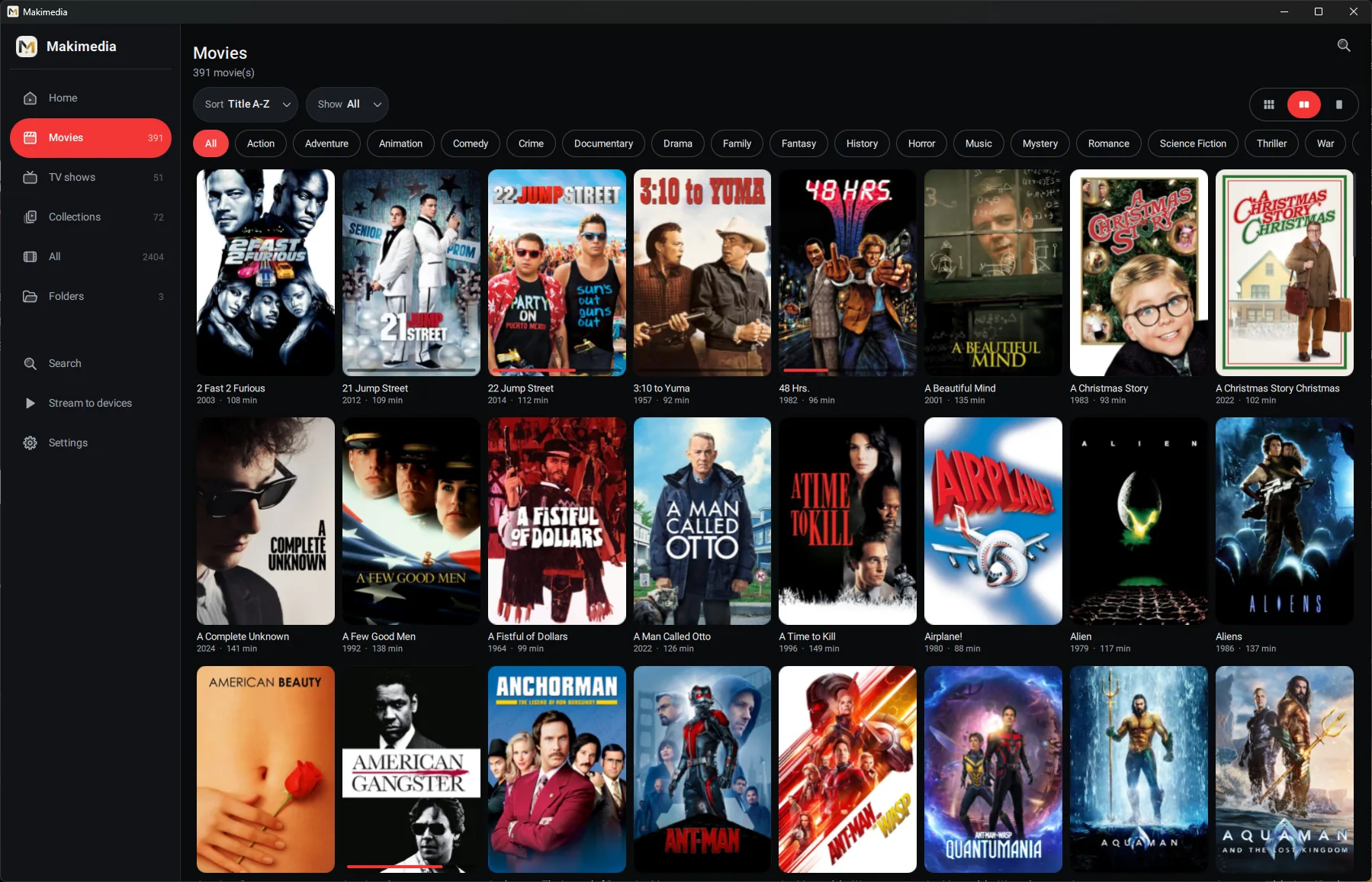
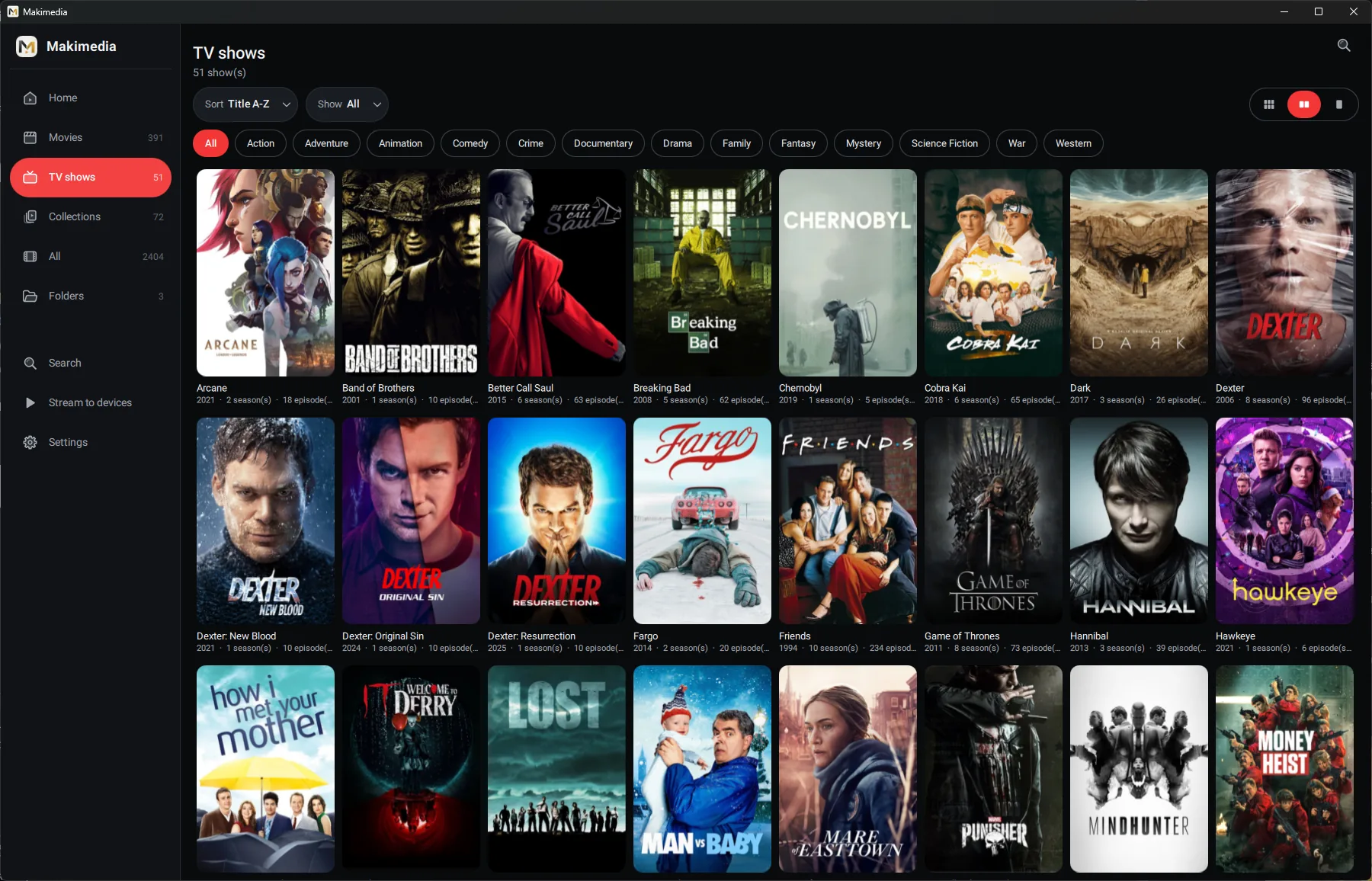
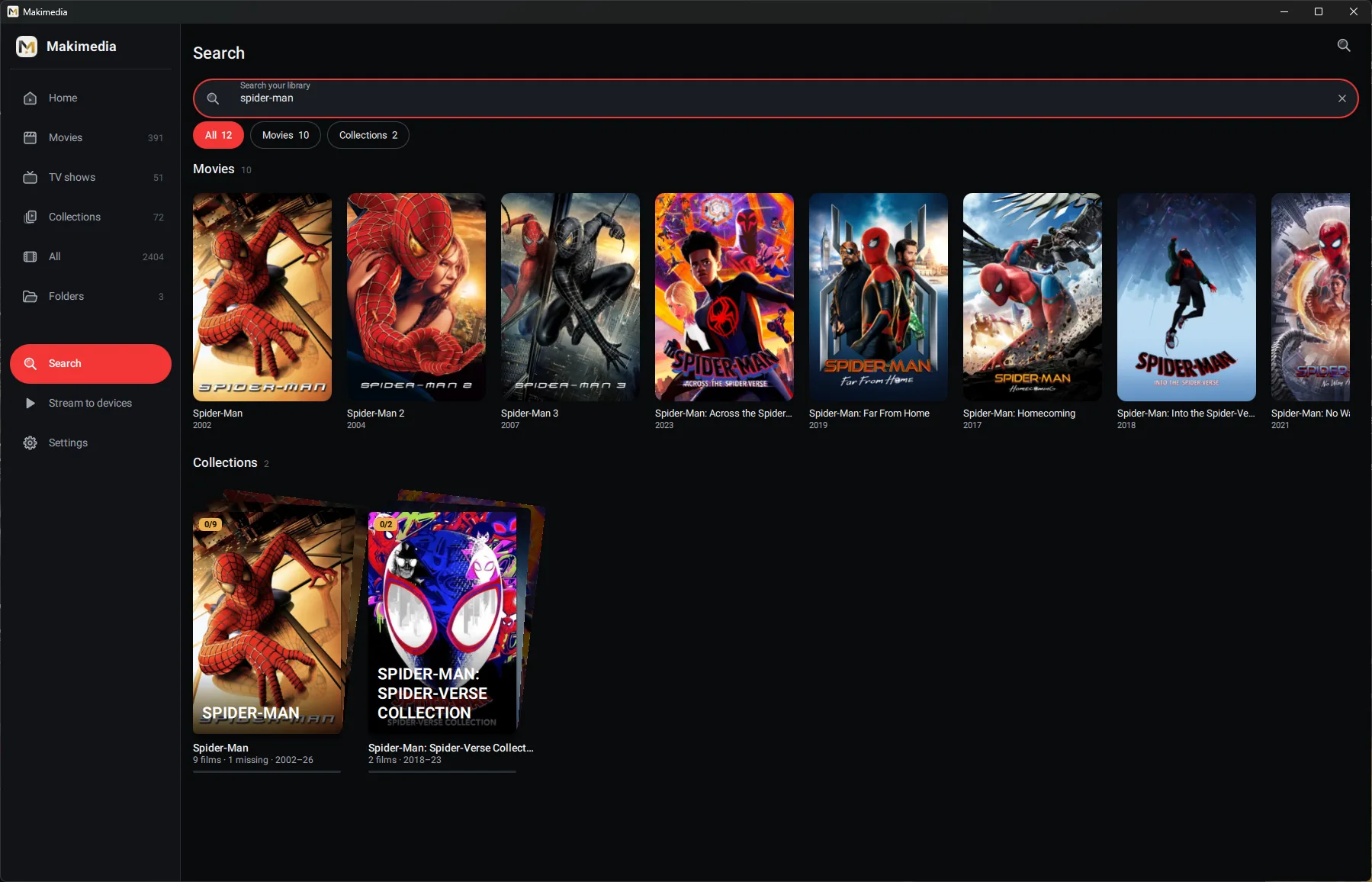
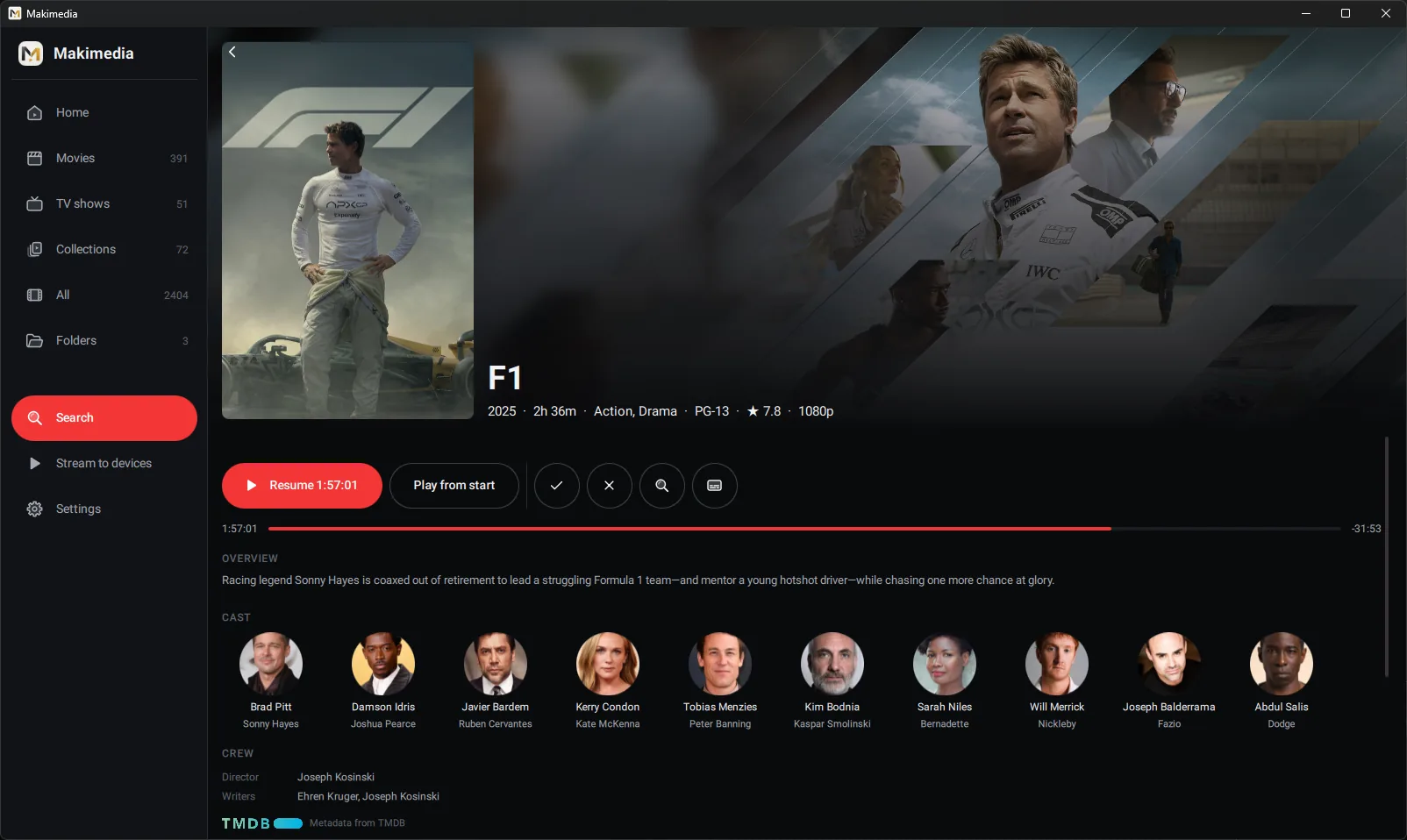
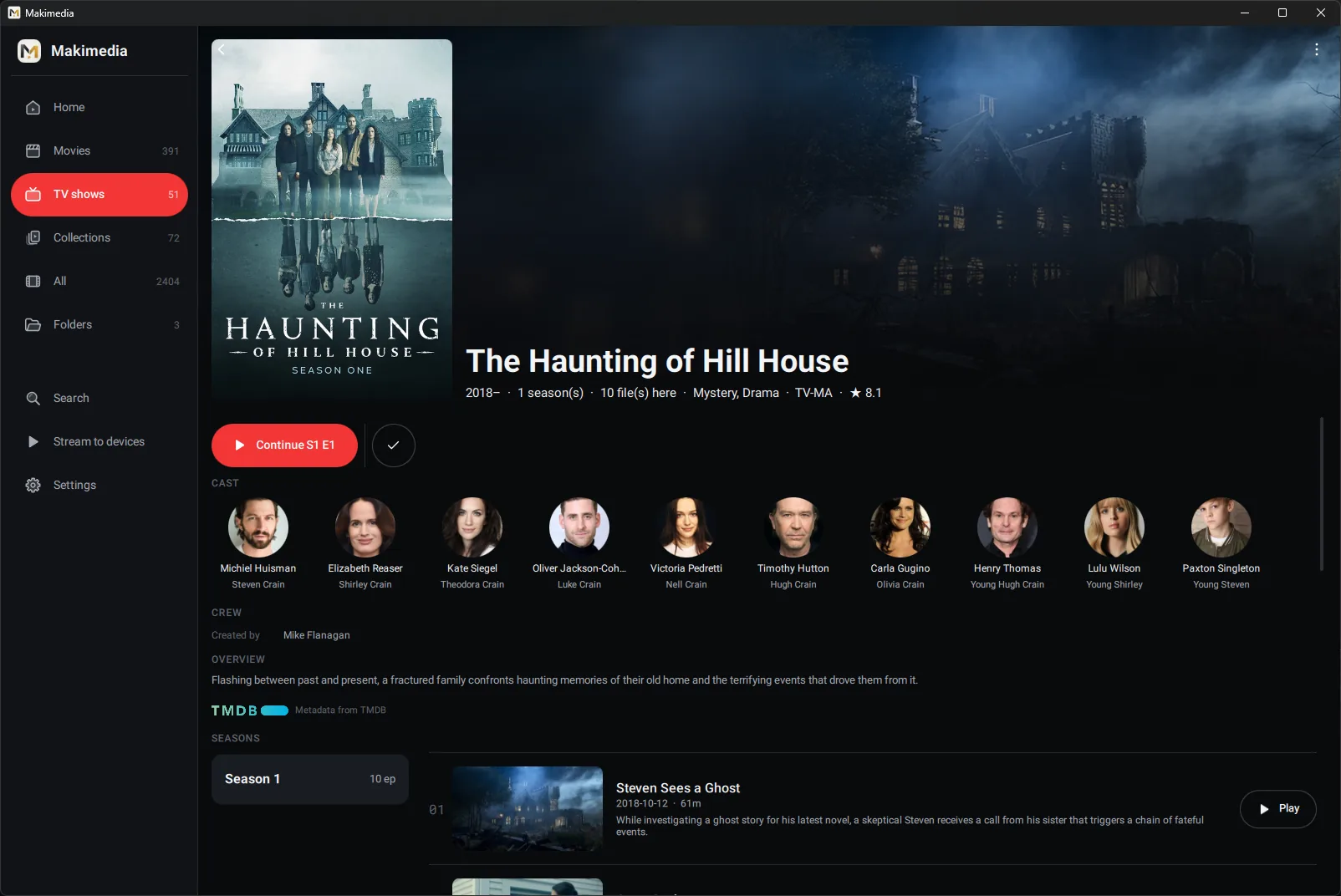
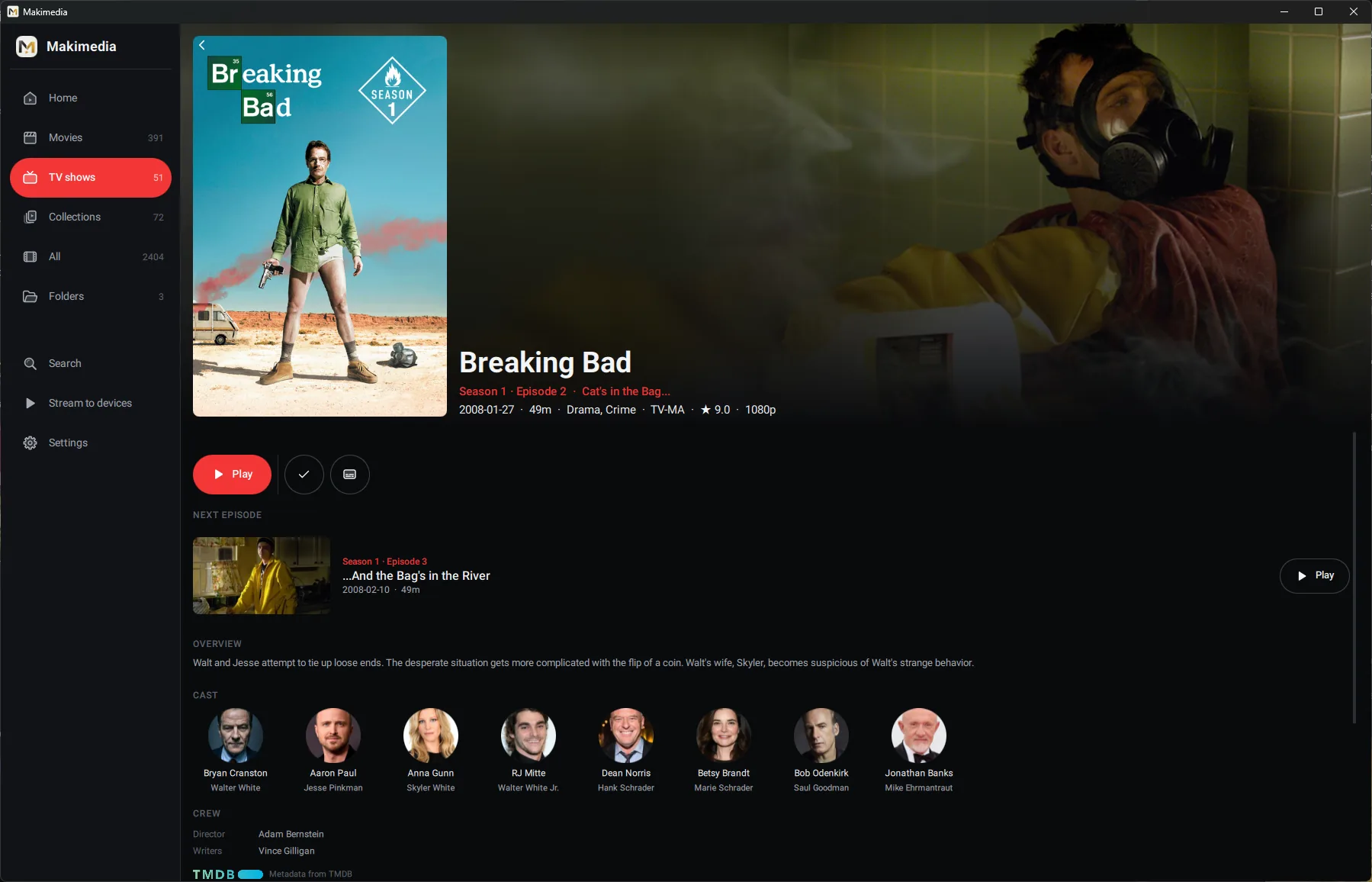
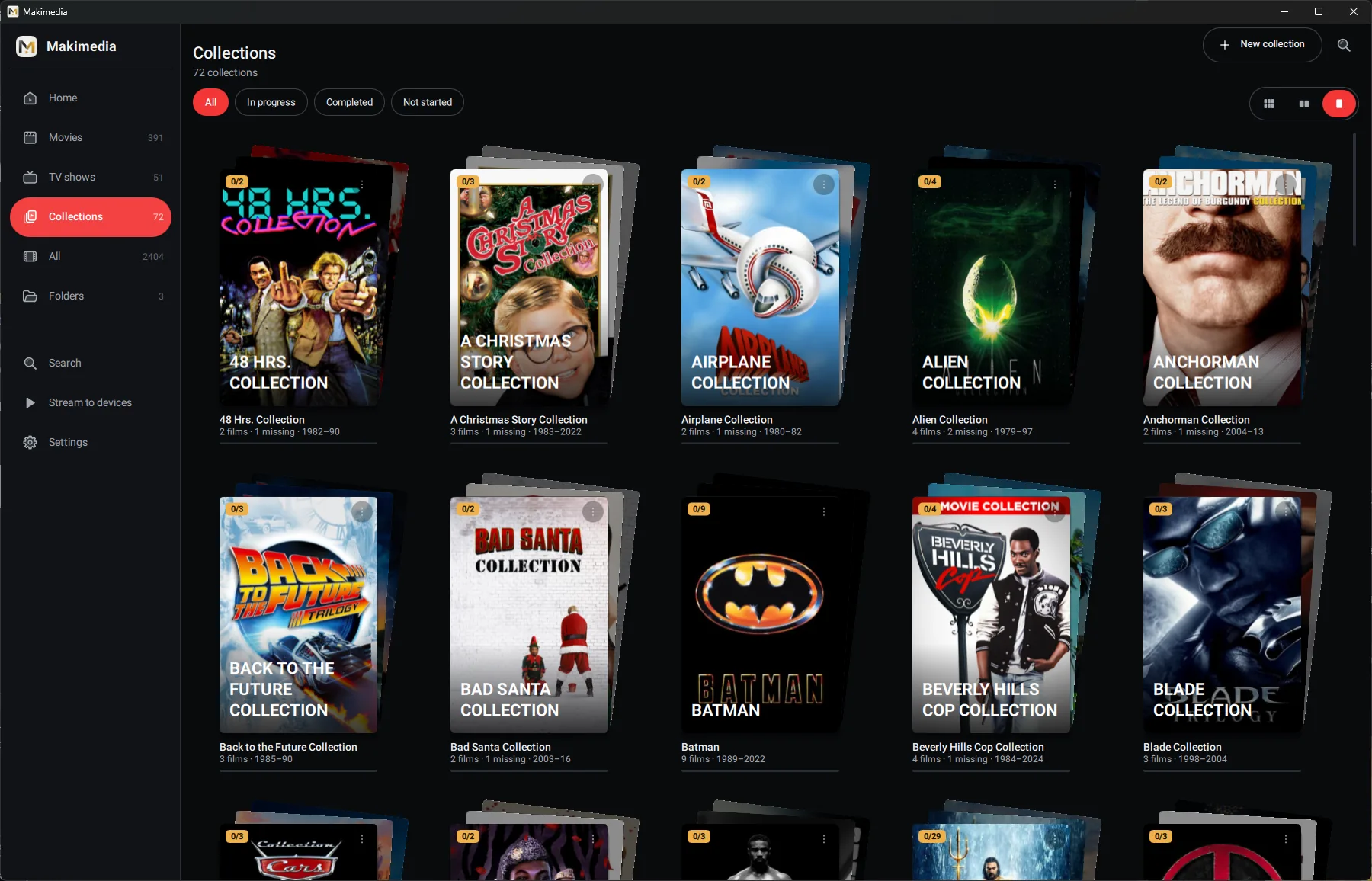
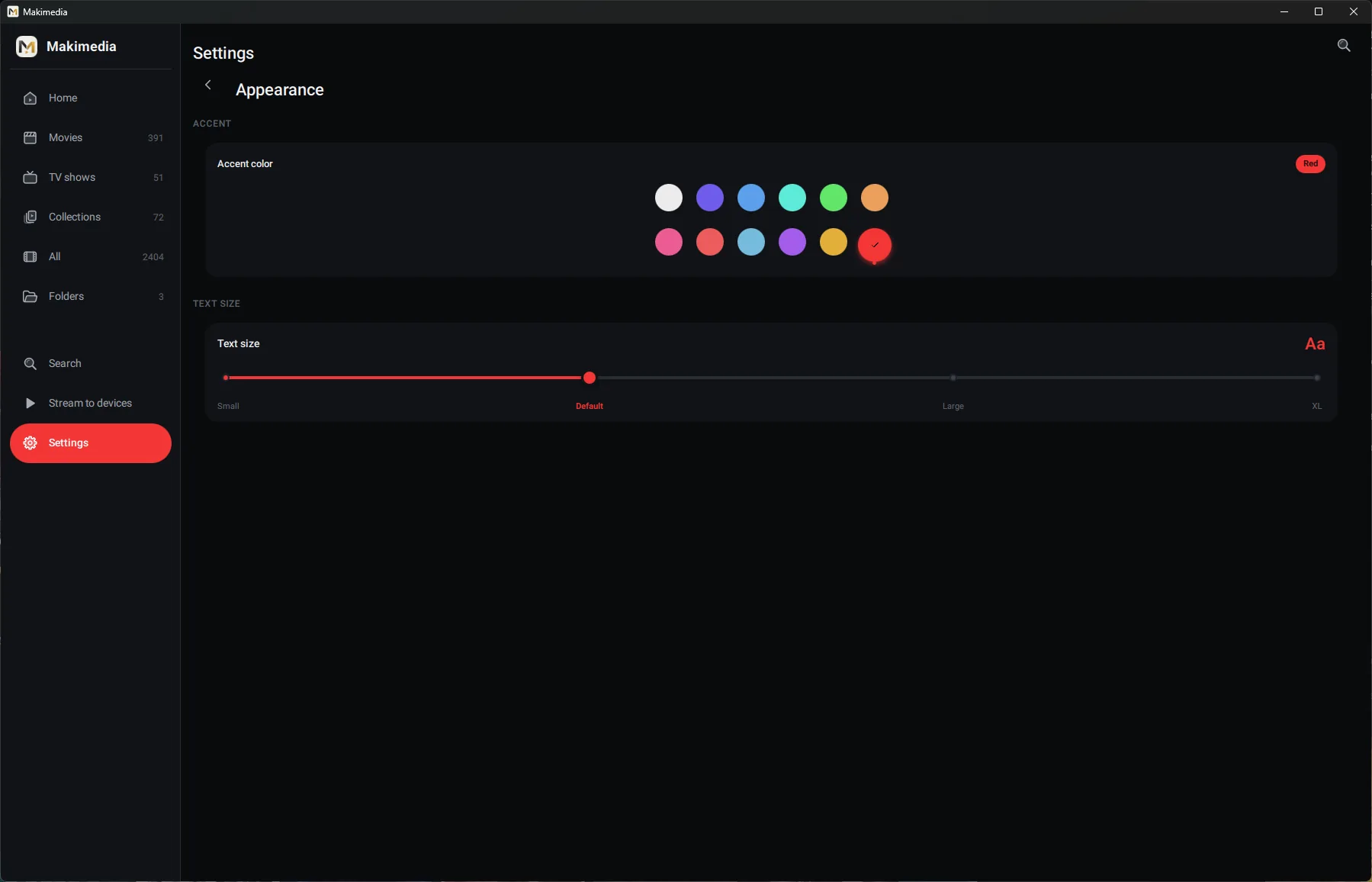
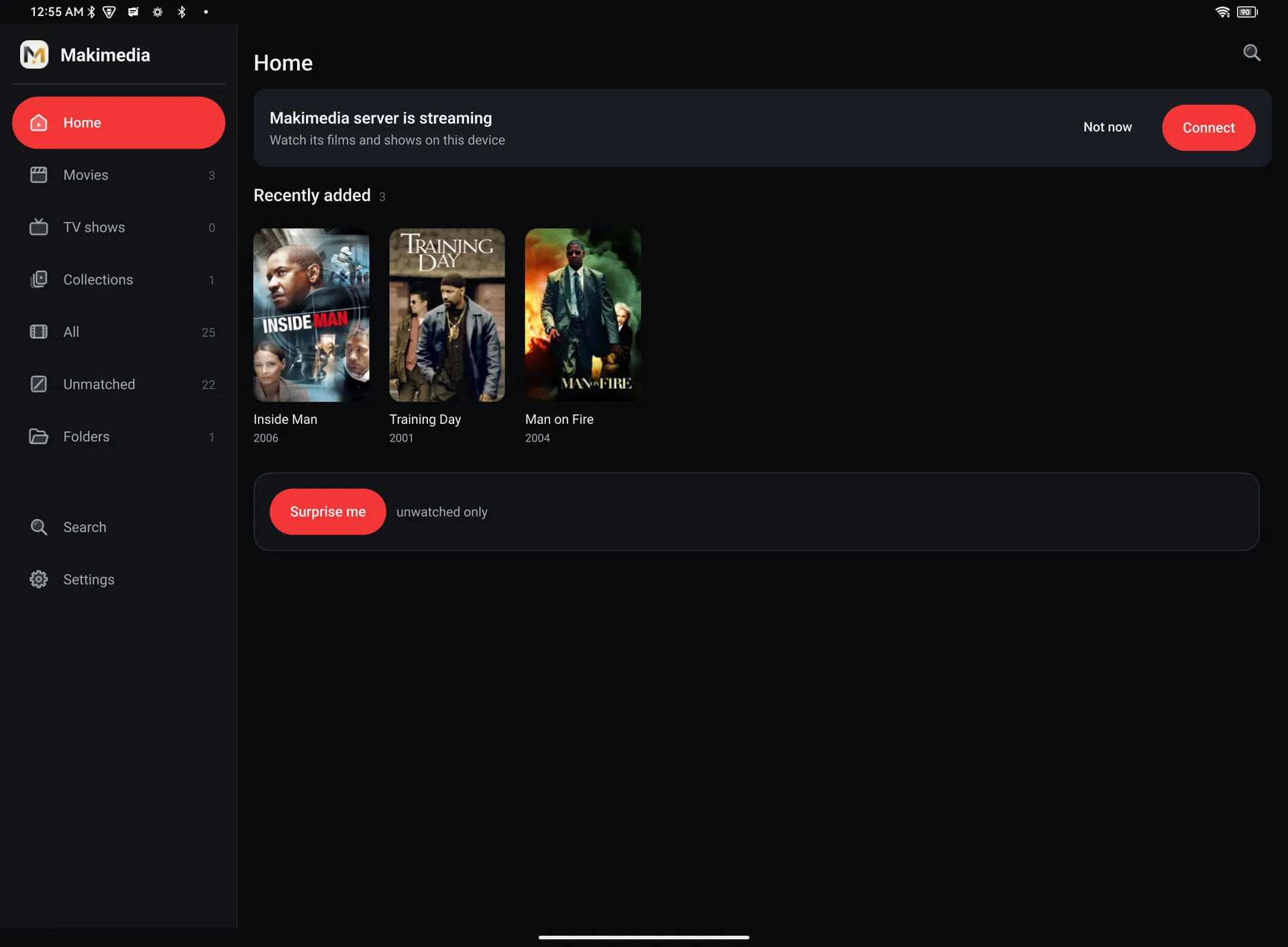
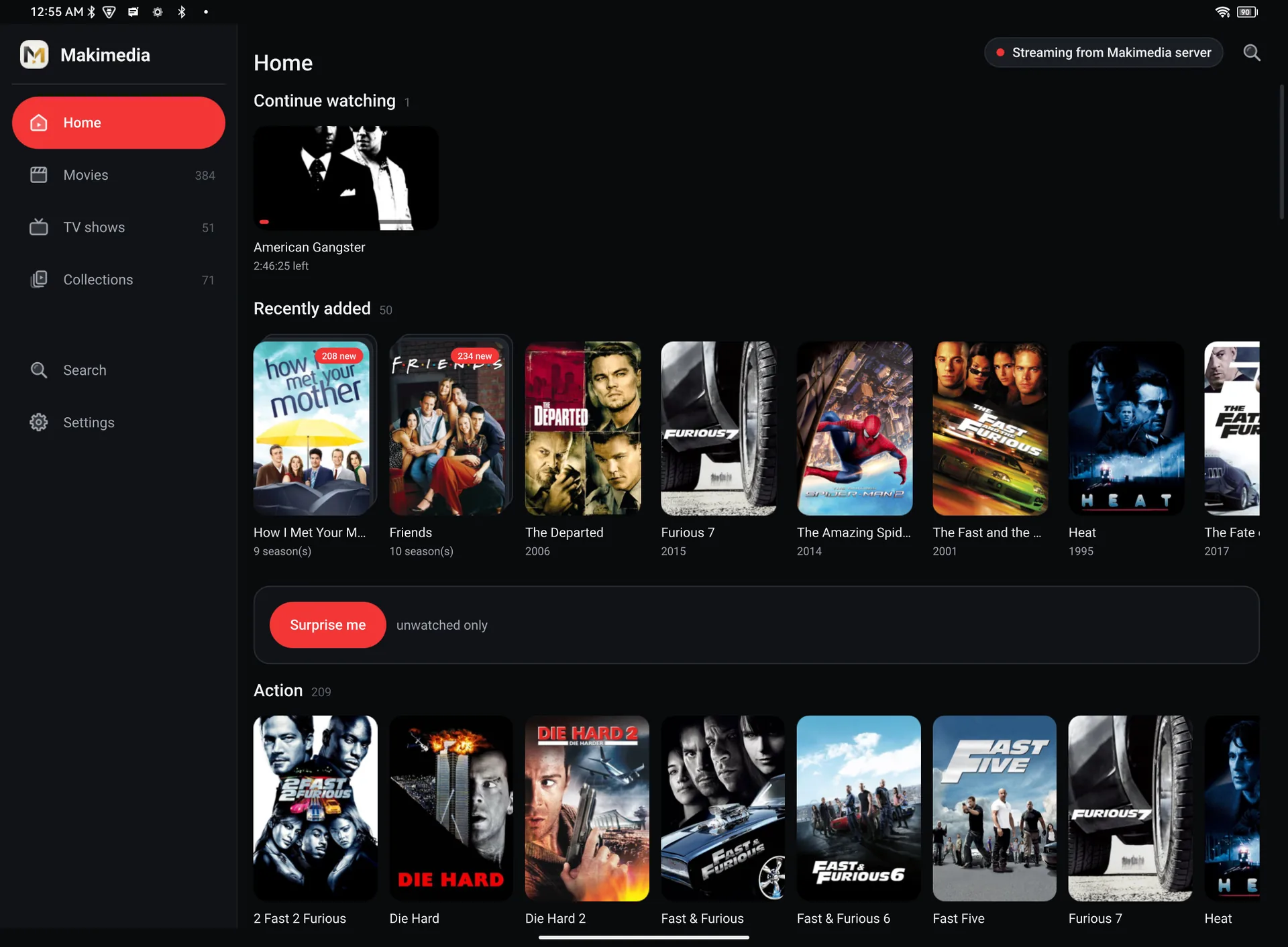
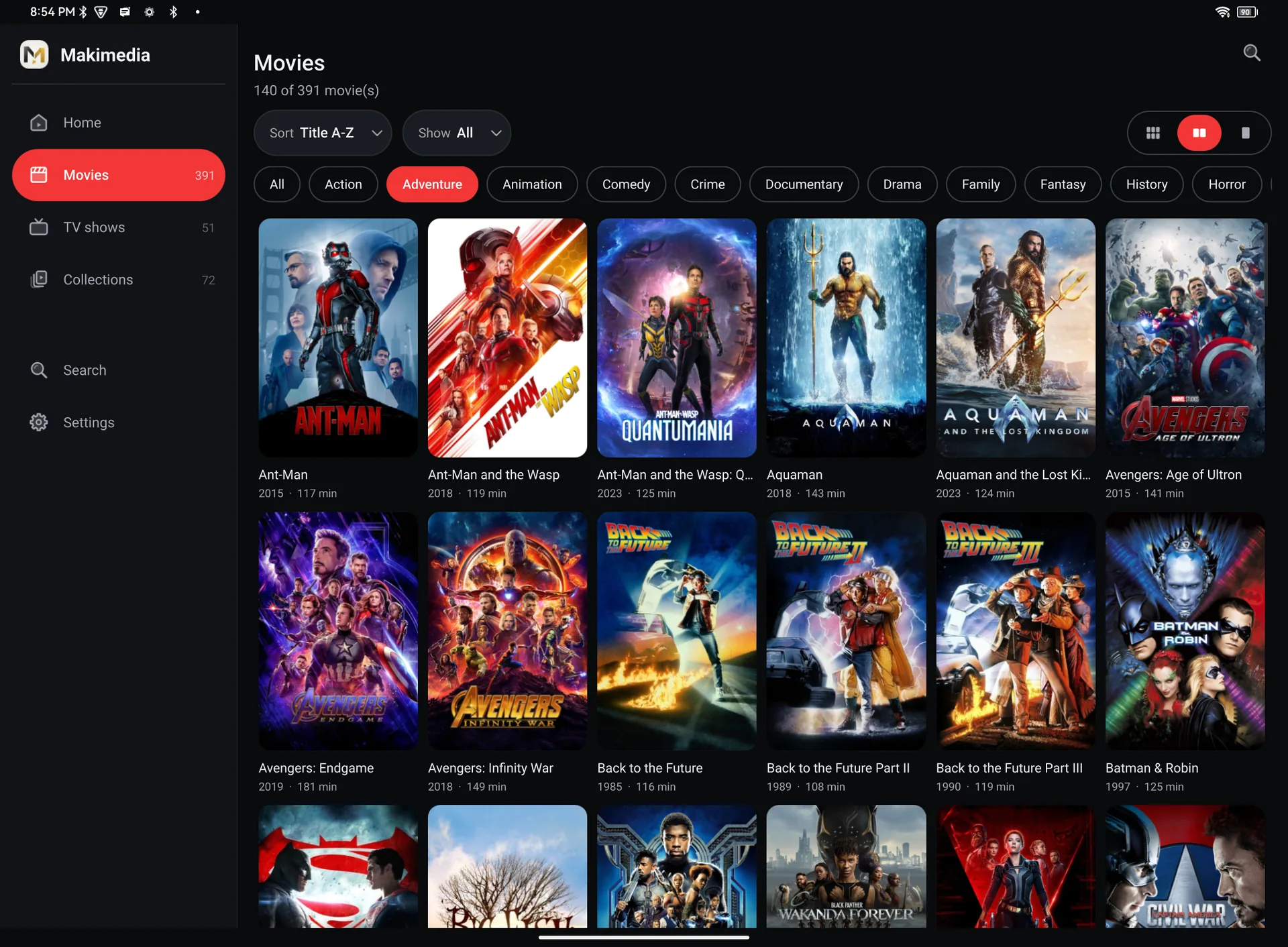
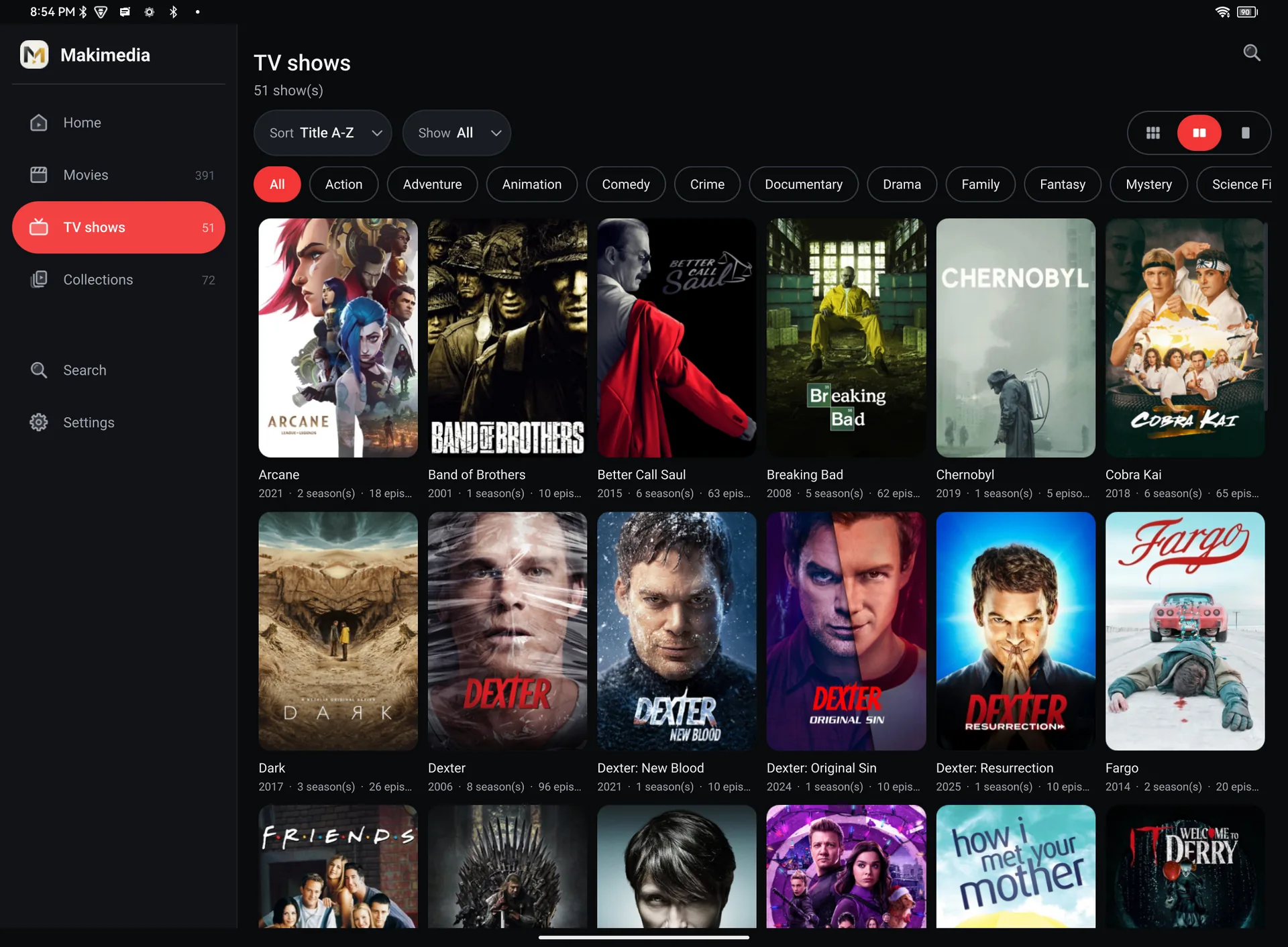
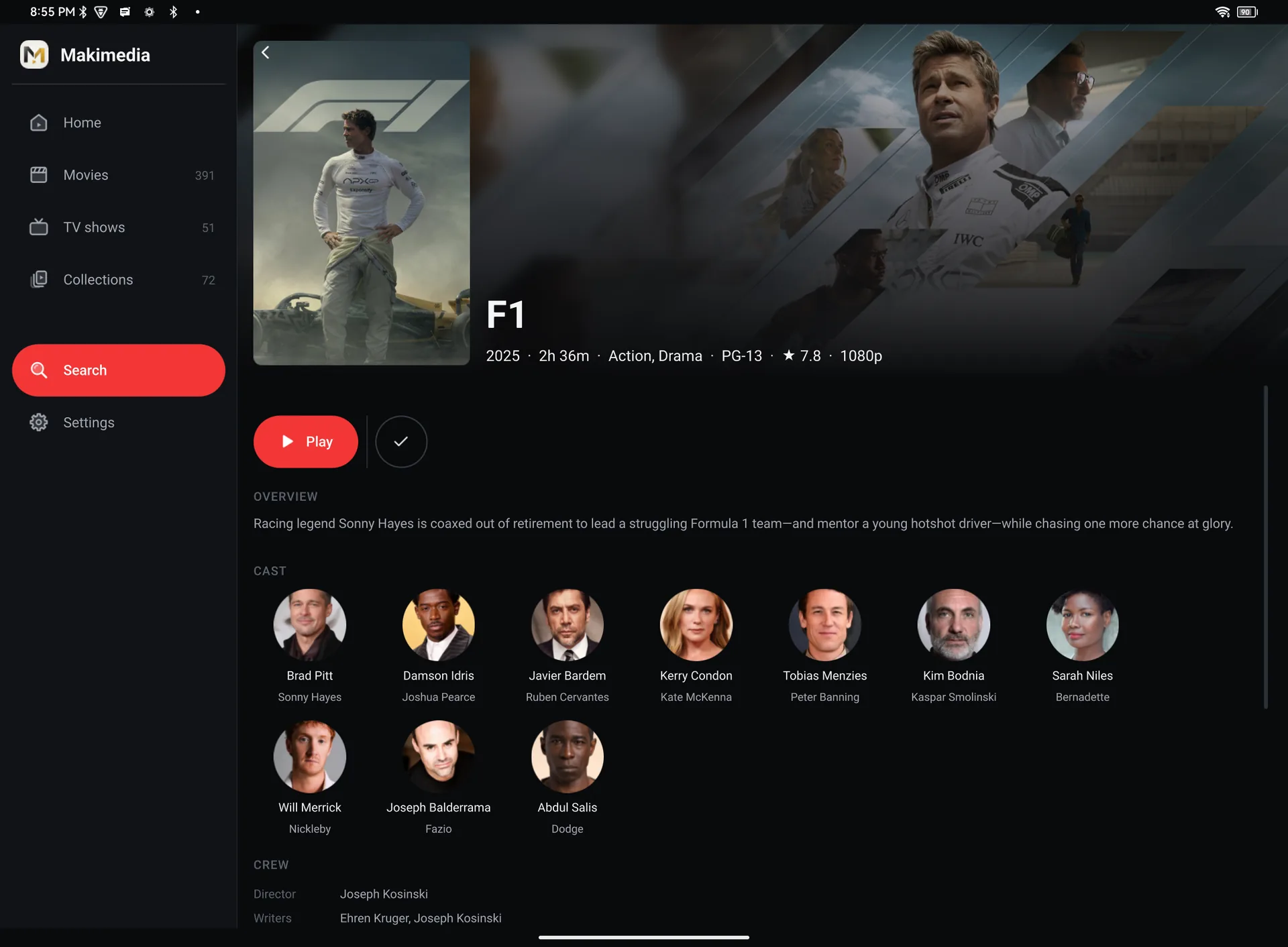
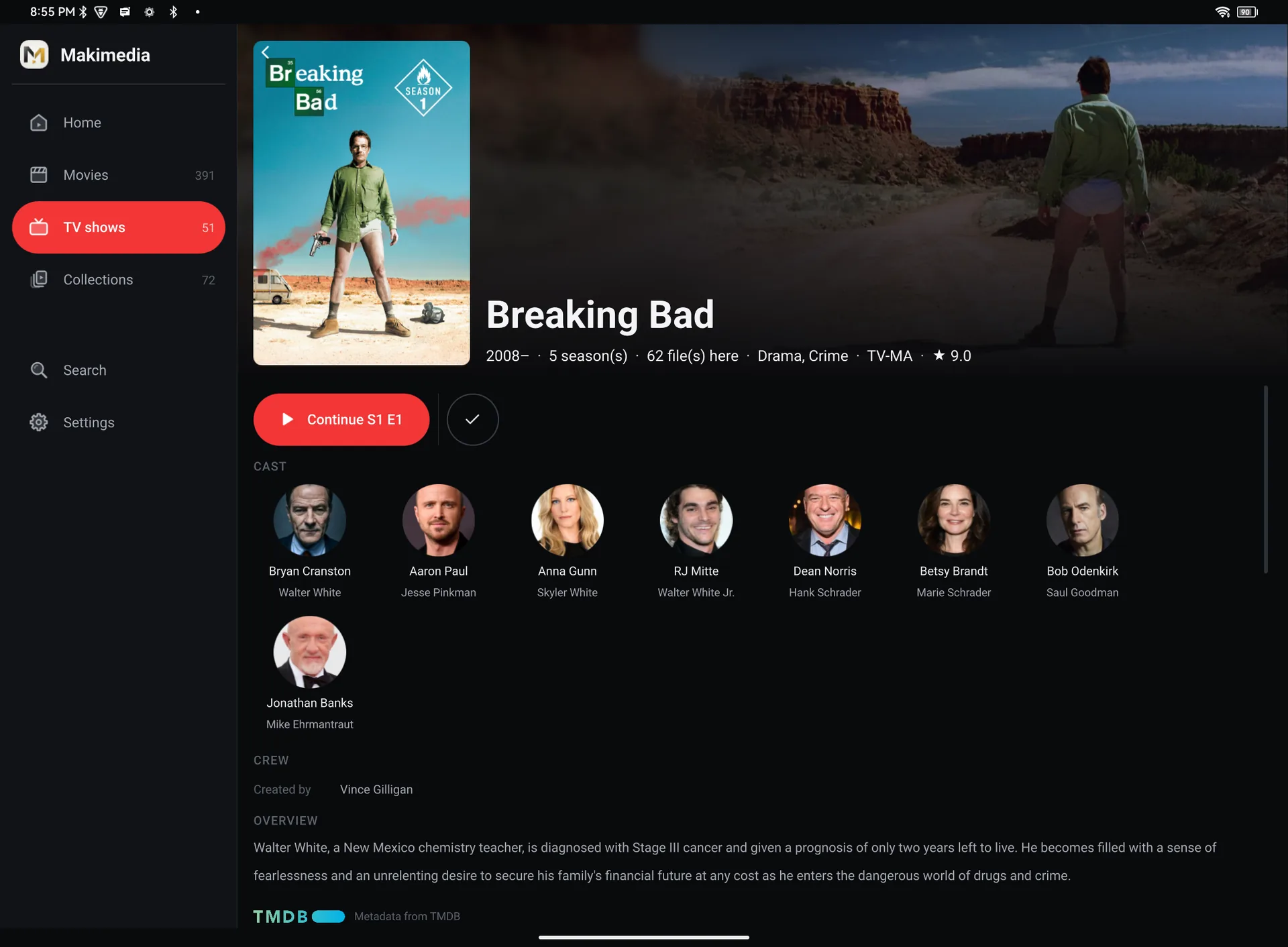
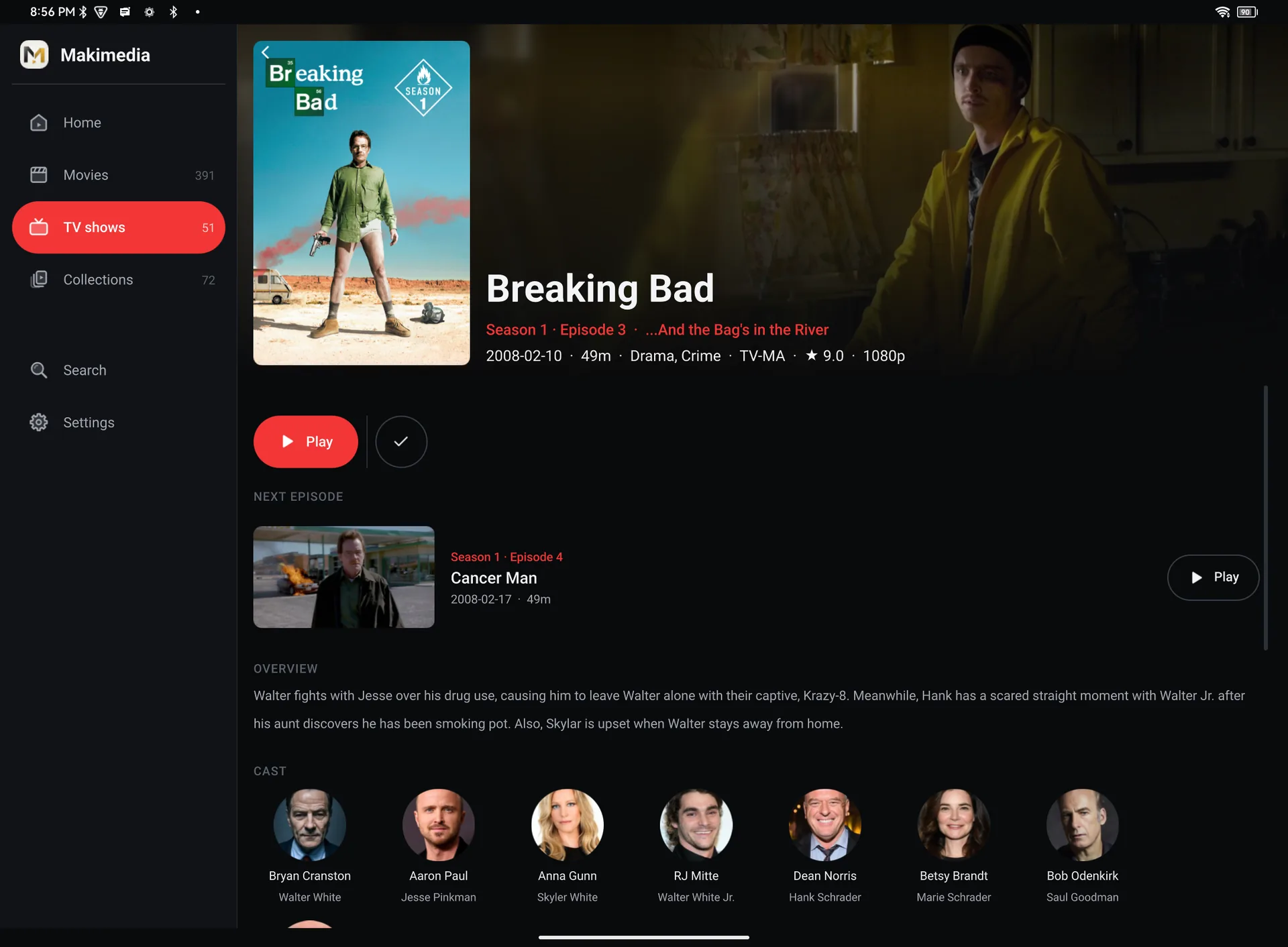
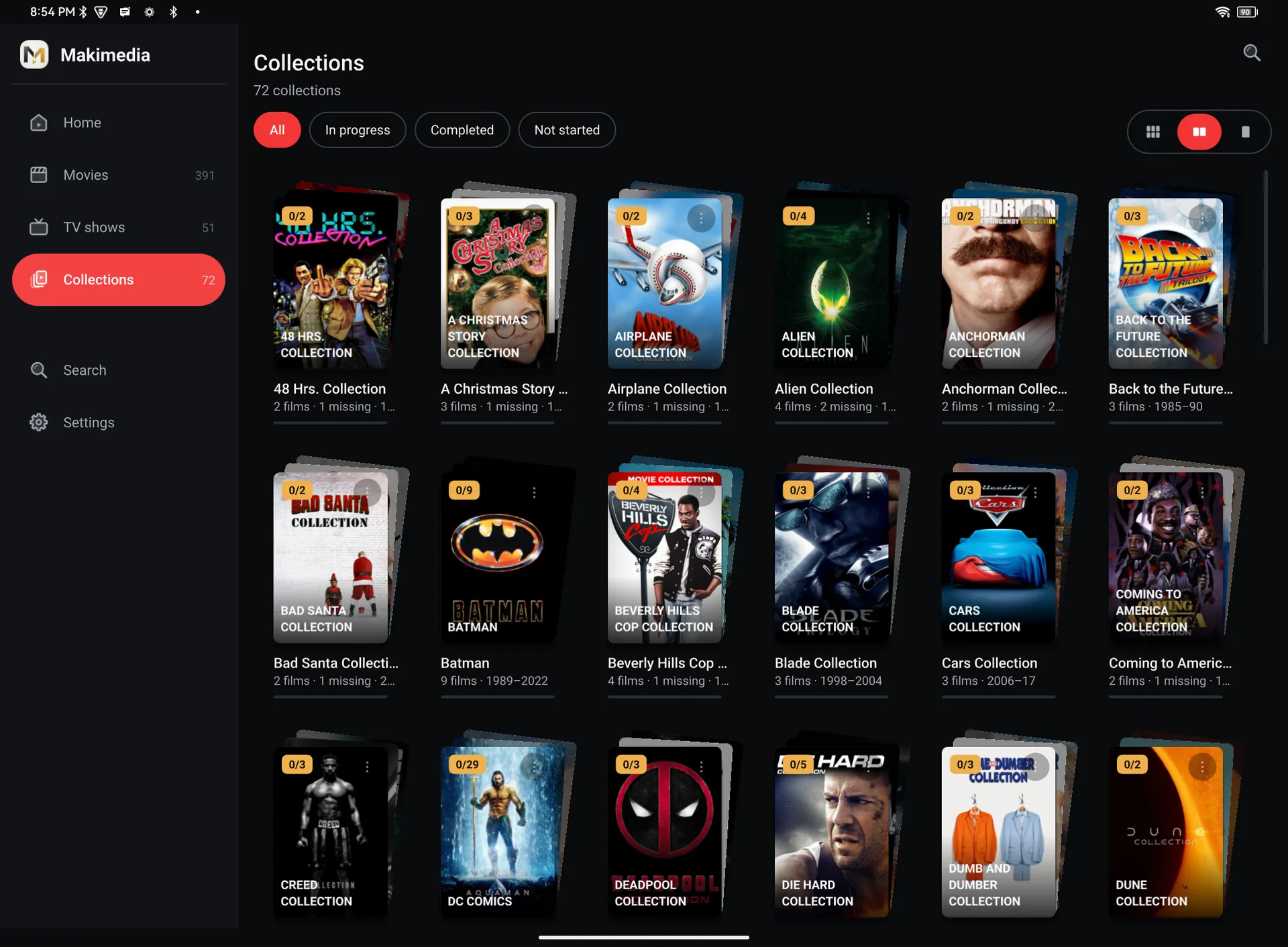
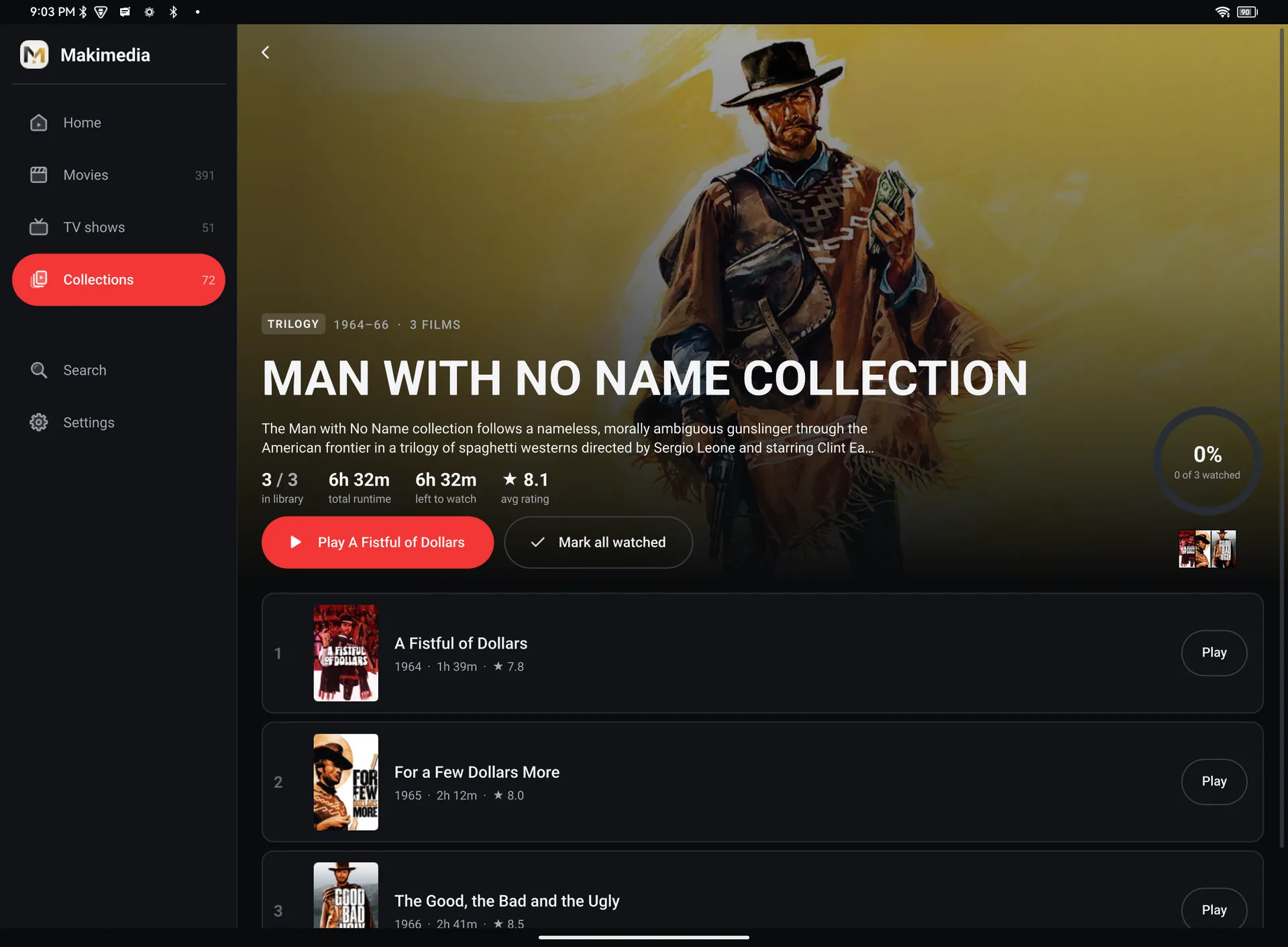
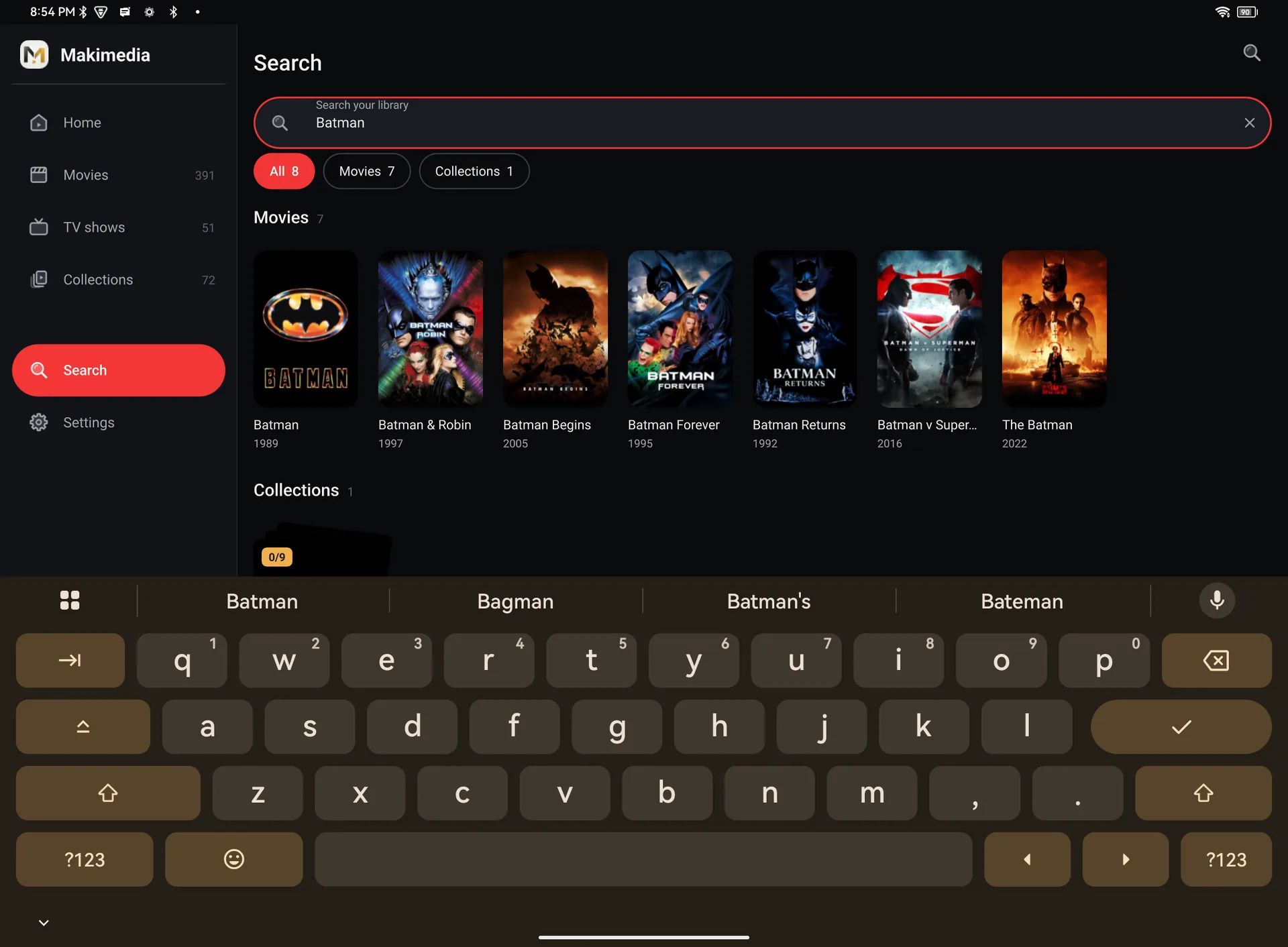
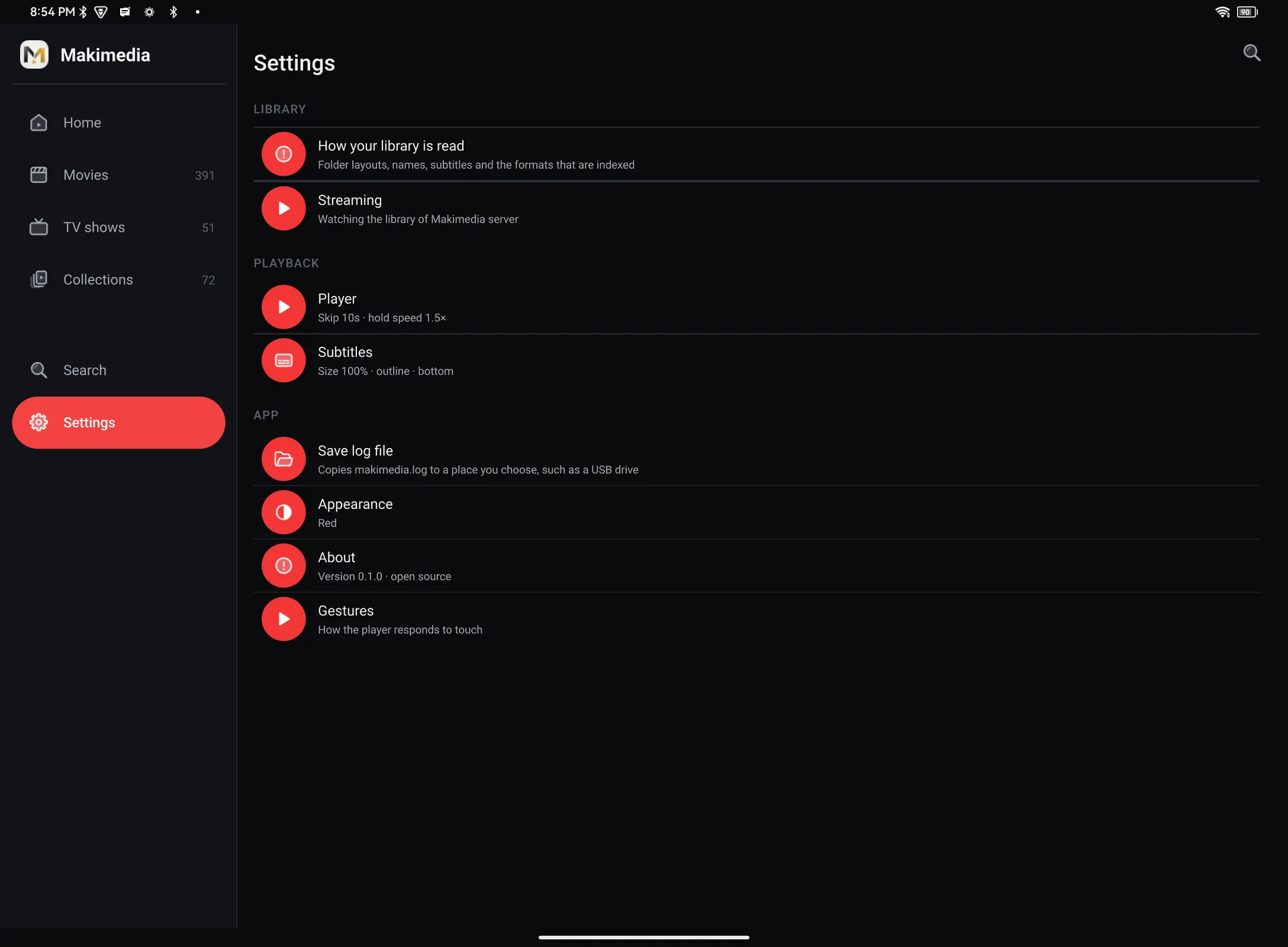
Coming soonPhone screenshots are on their way. Until then, the tablet shows how Makimedia looks on Android.
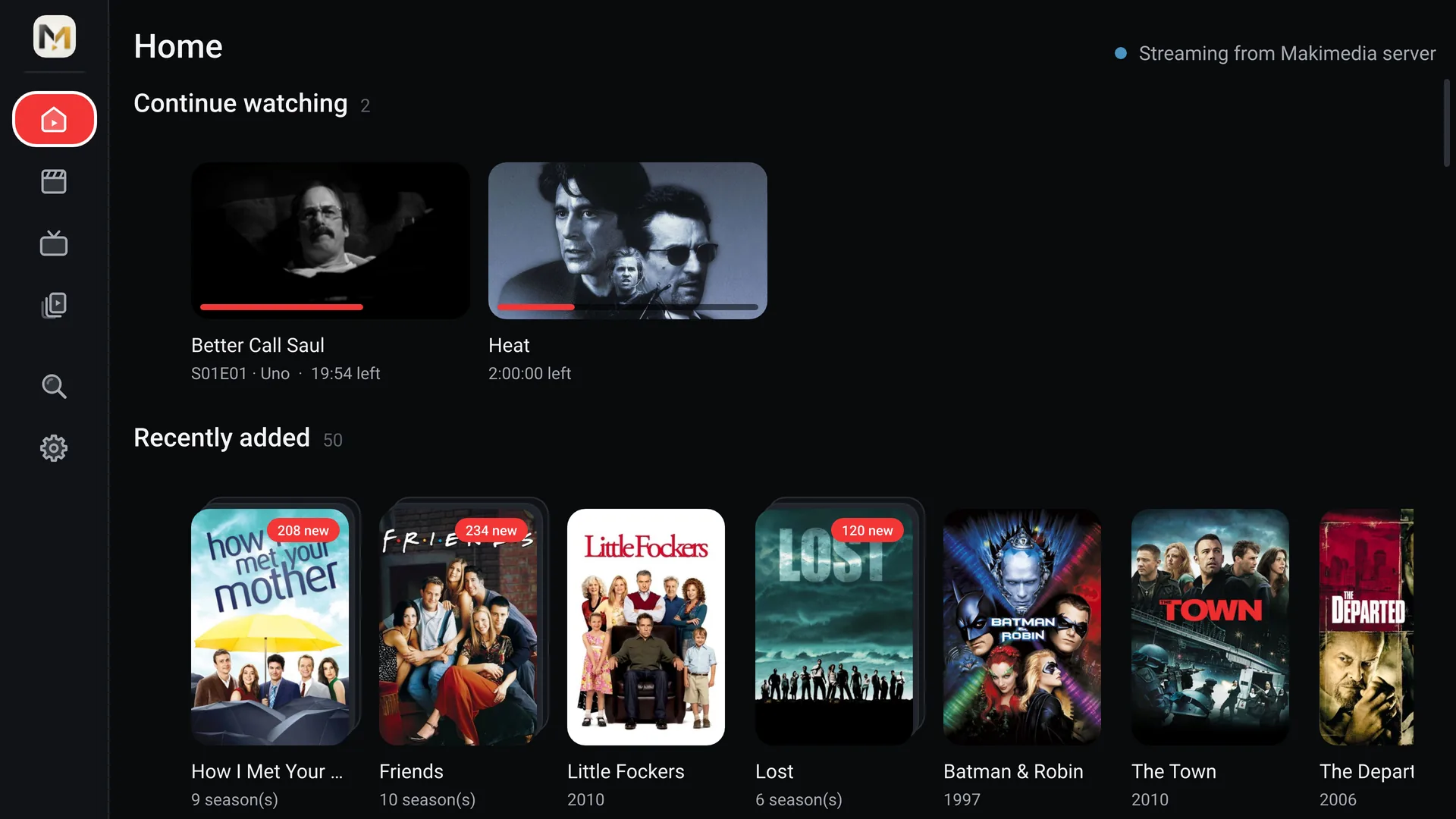
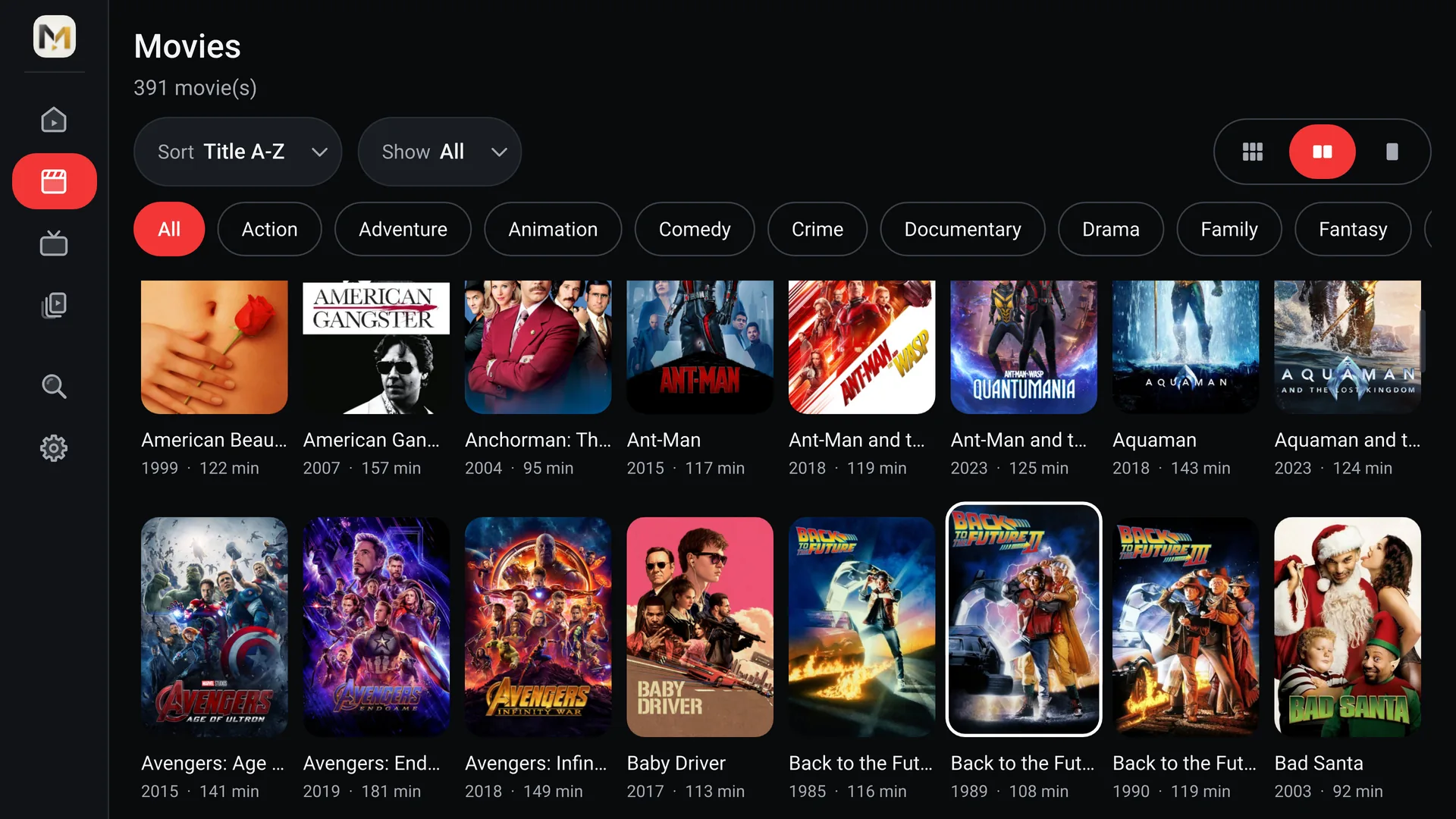
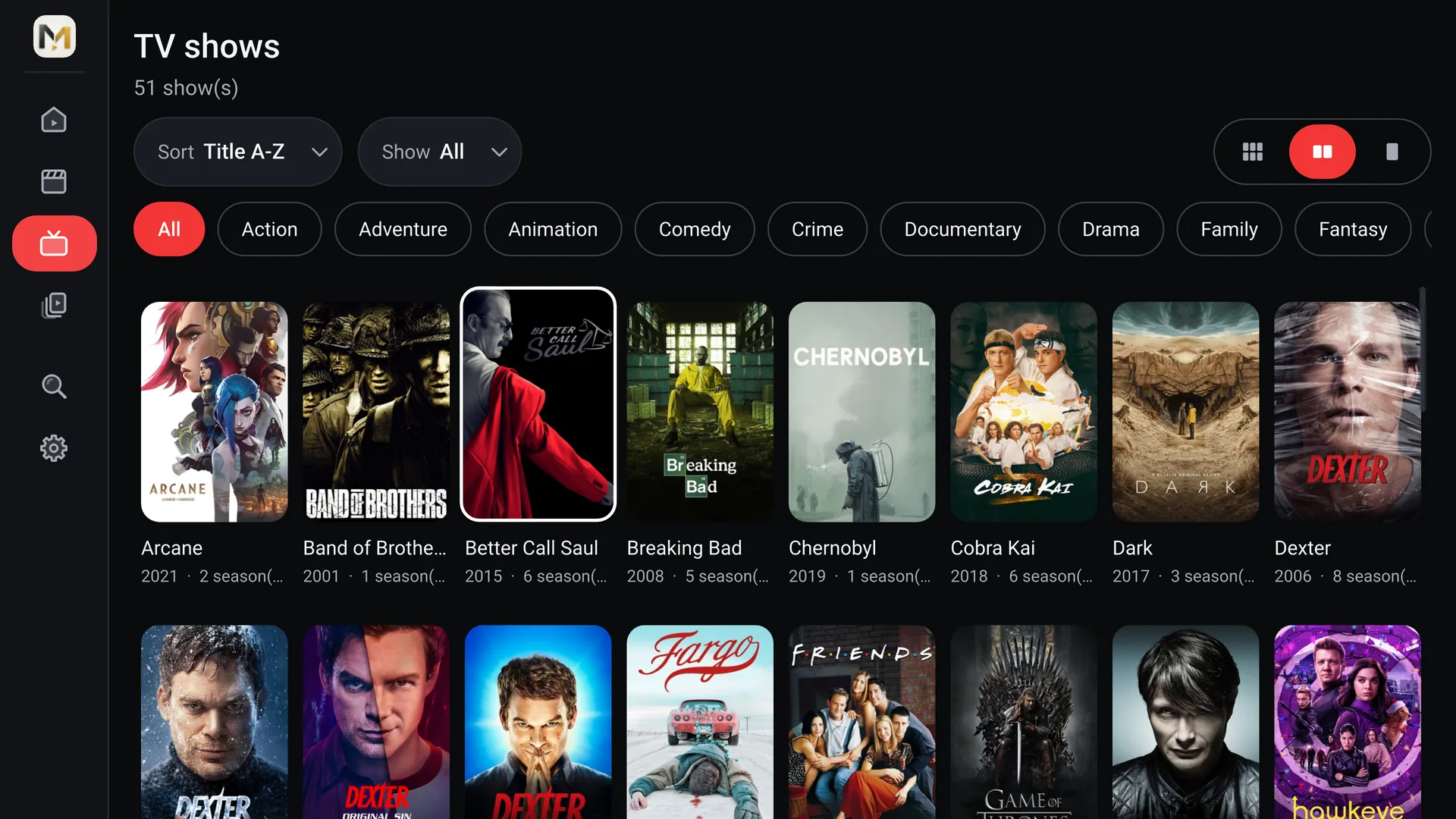
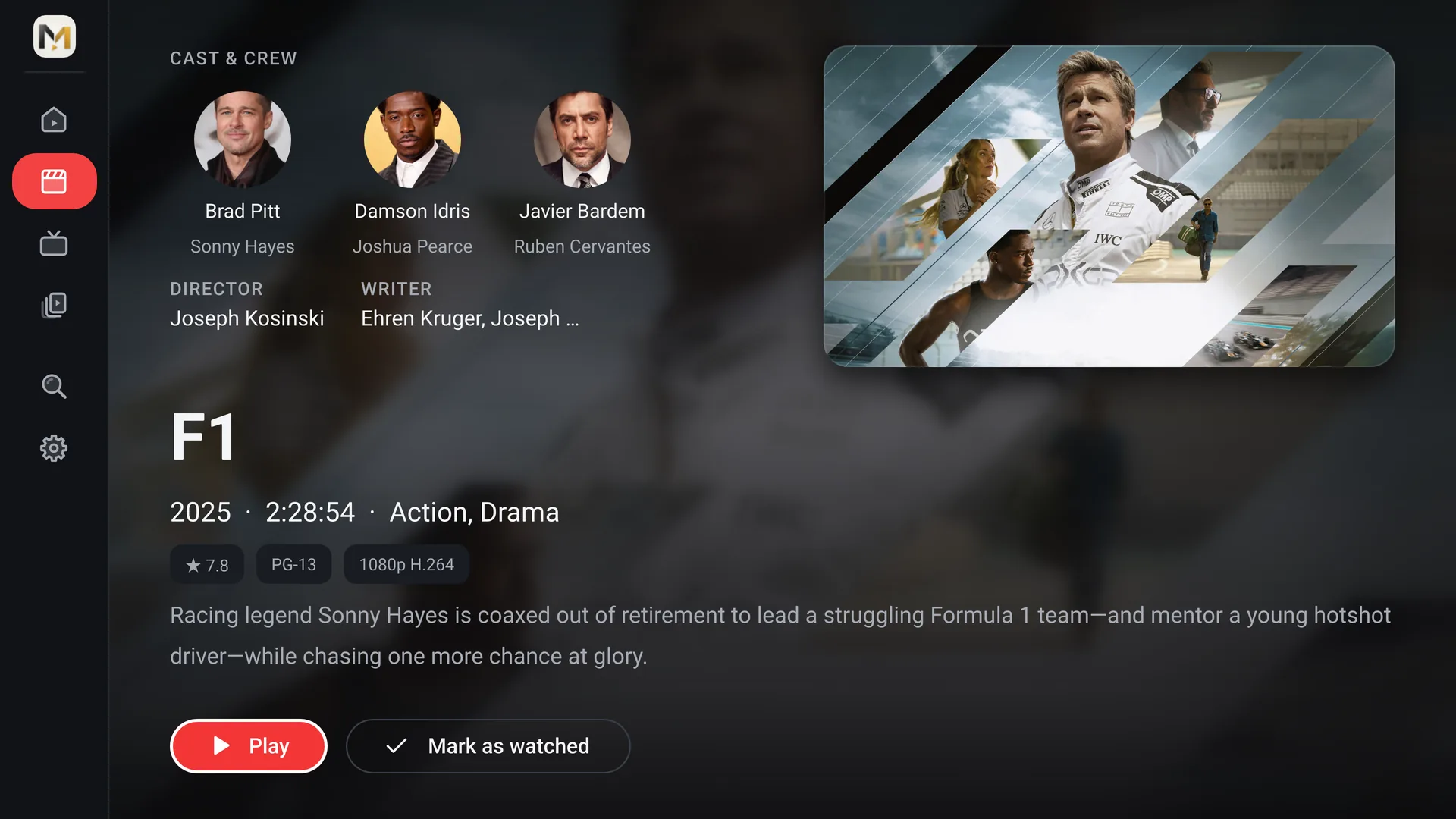
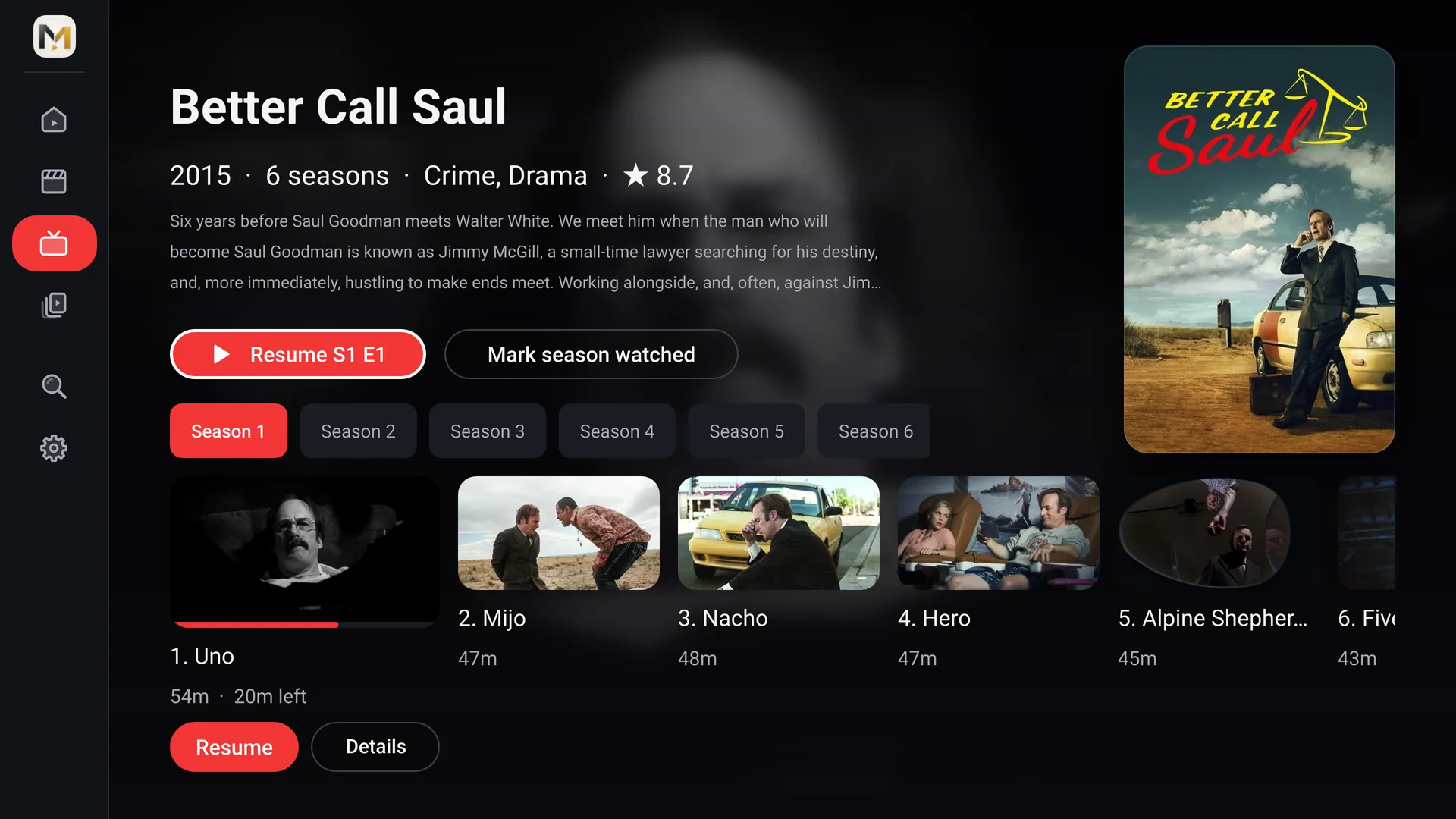
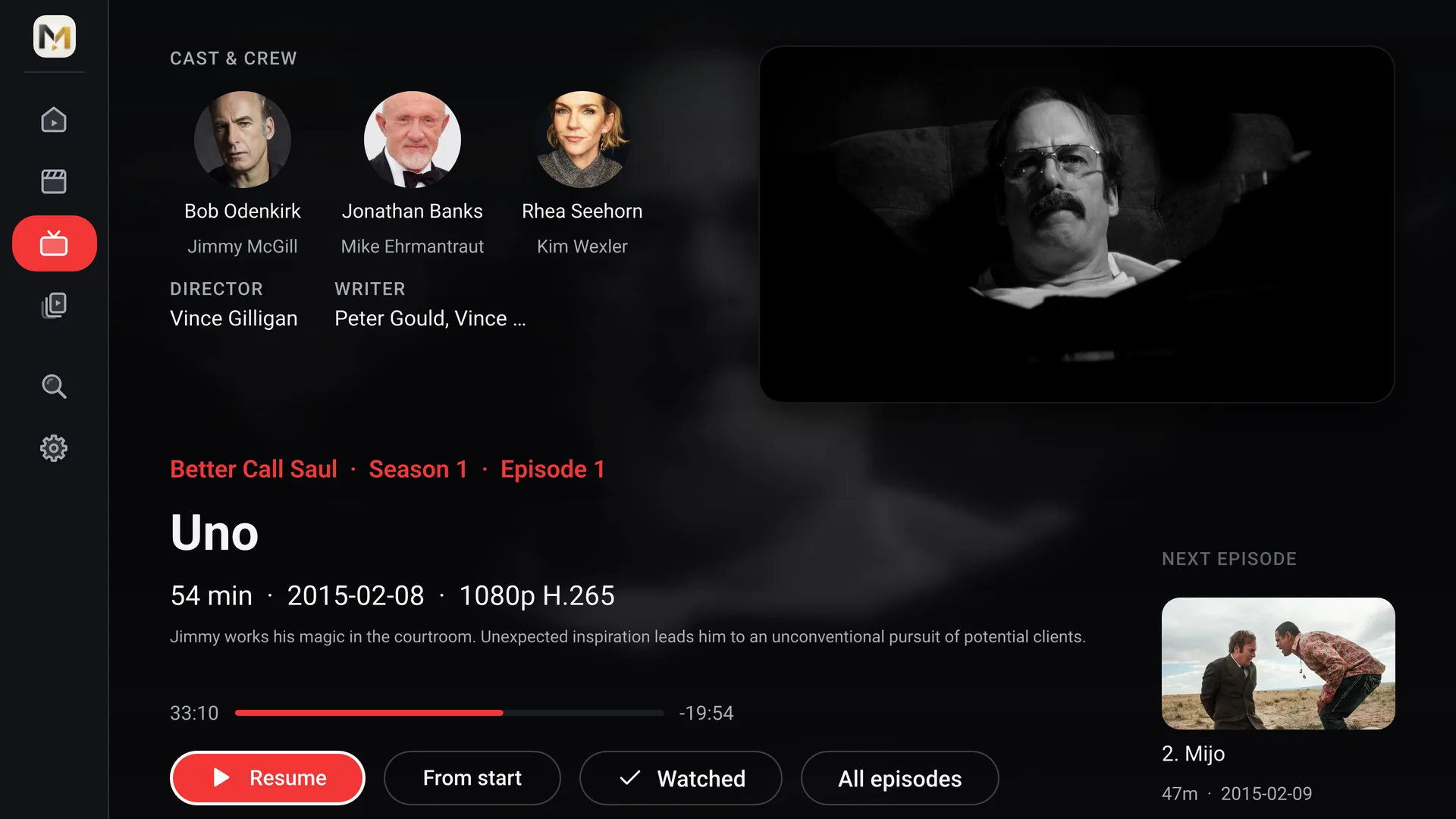
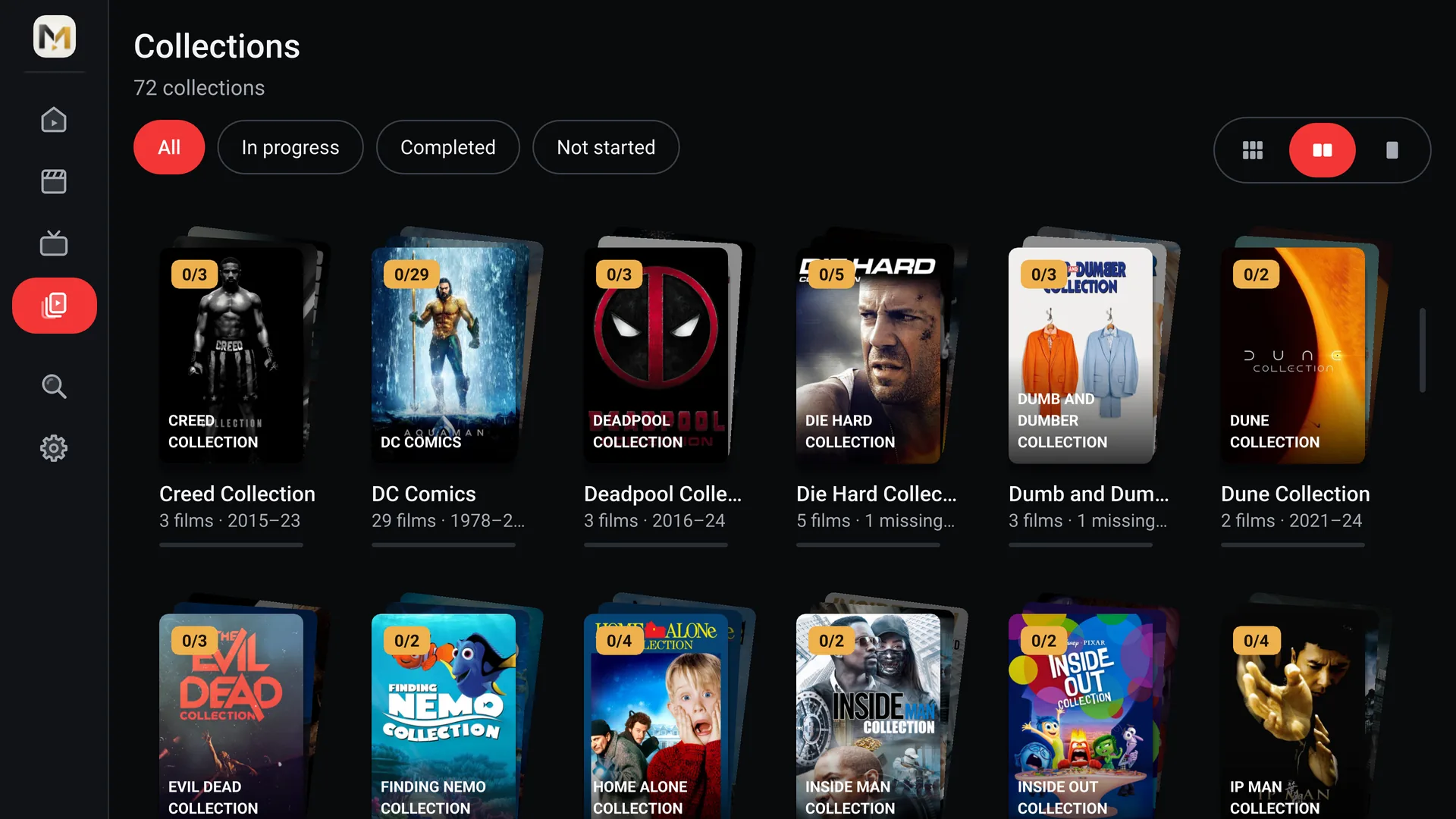
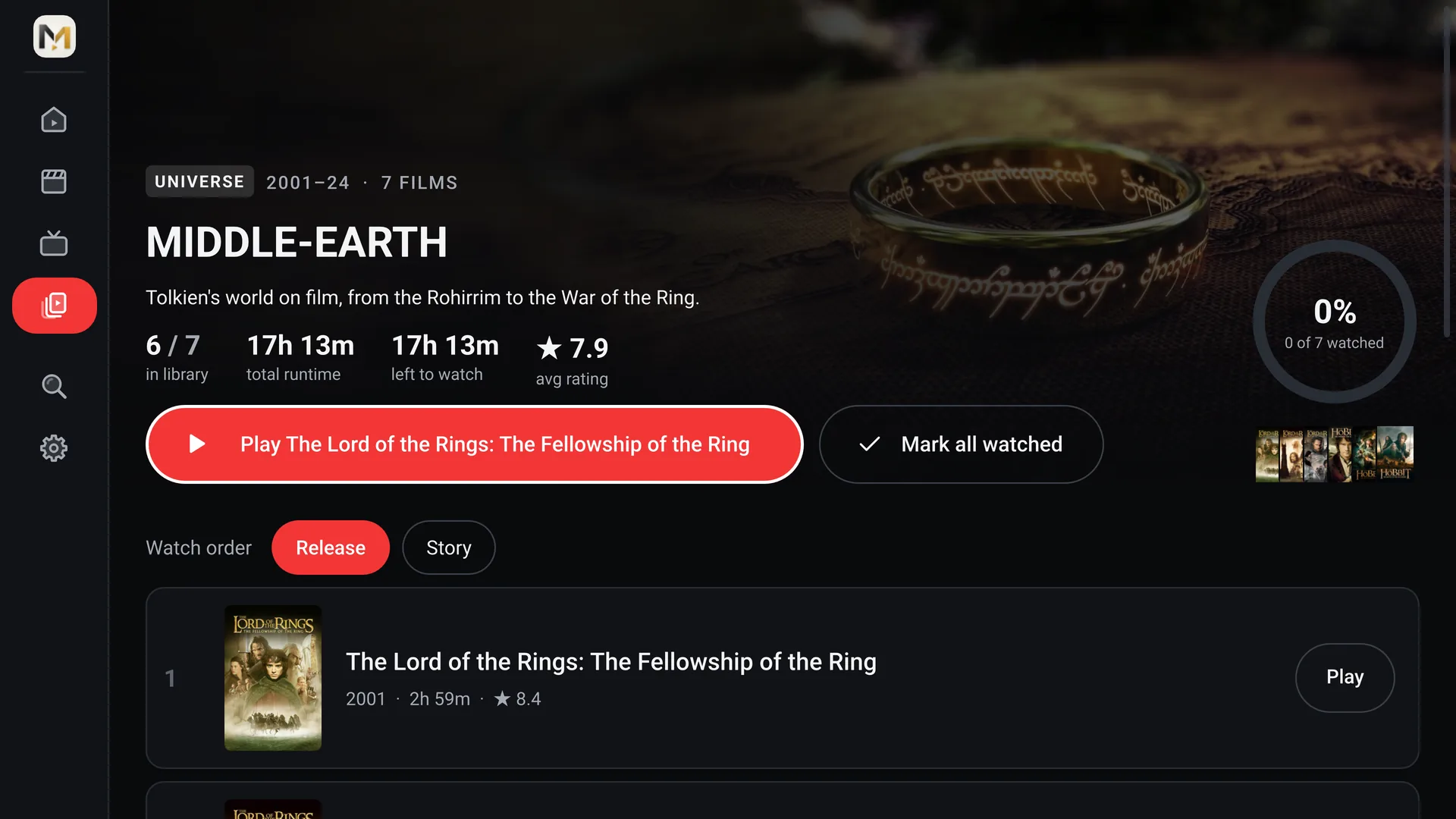
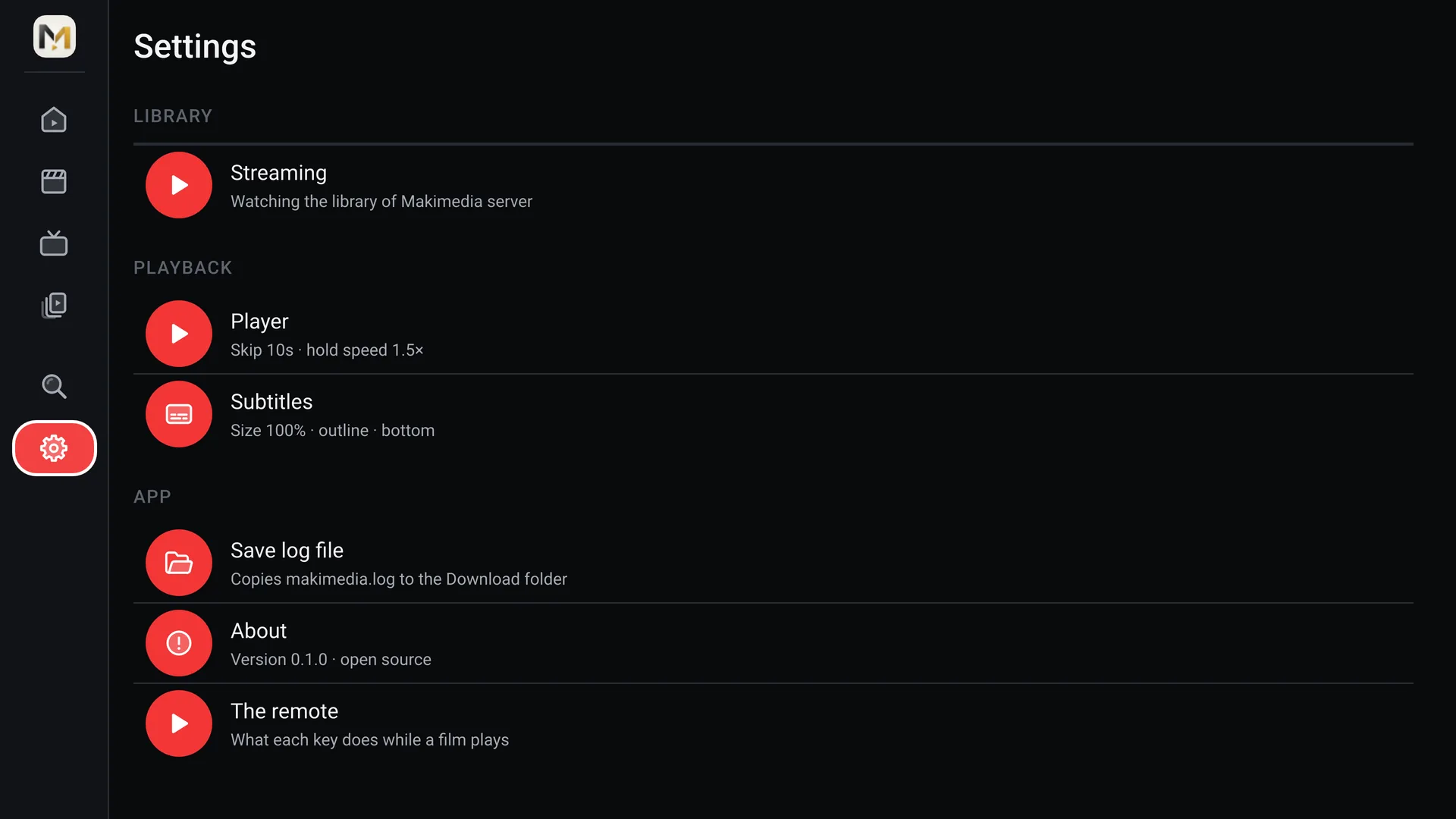
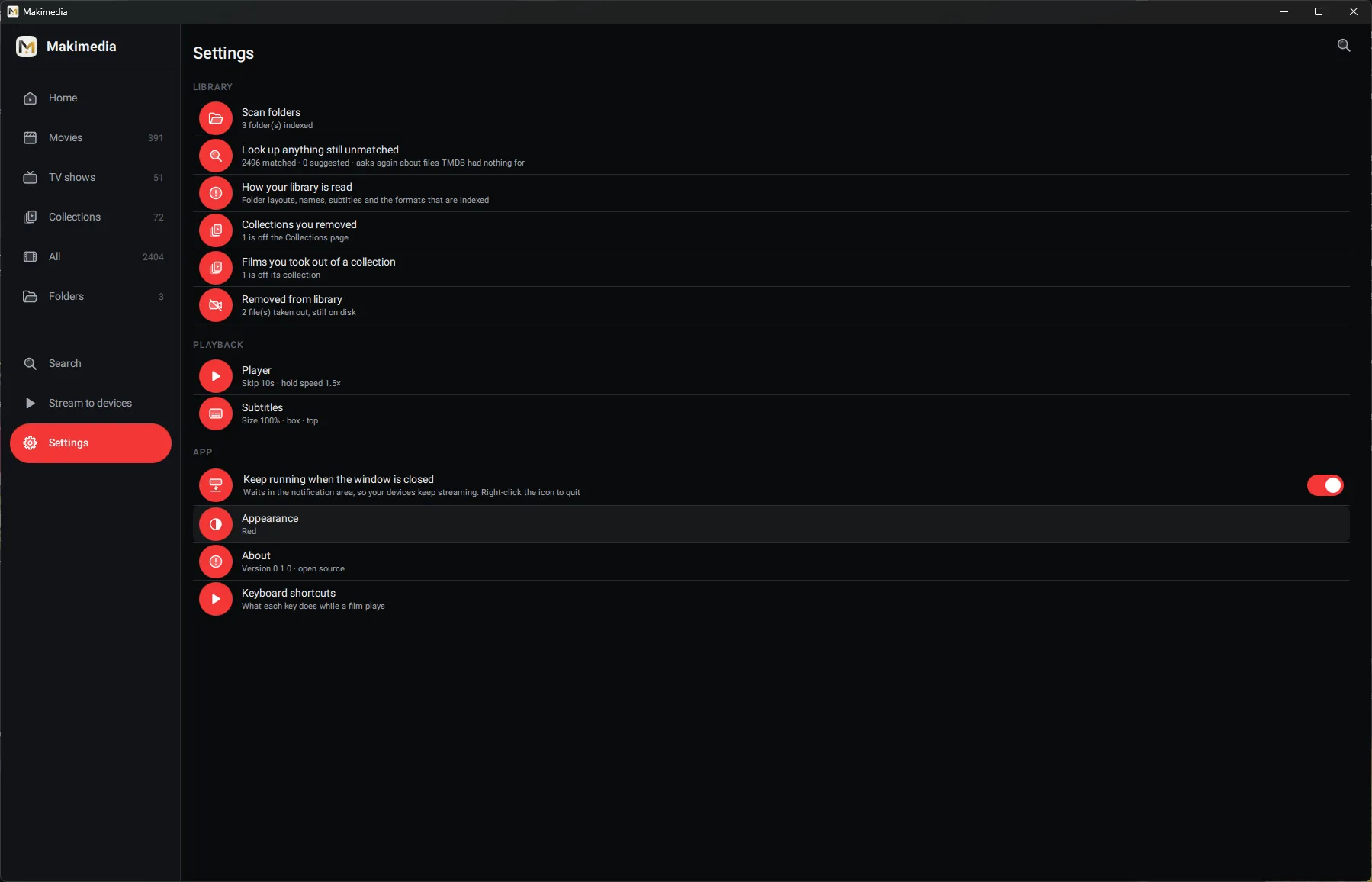
Point Makimedia at your folders. It finds the films and shows, fetches their posters, and remembers where you stopped.
The library is built from your folders and works with the network off. A file that can't be identified still plays and still shows up.
Films and shows are matched from their file names, with artwork, cast and episode lists. If a guess isn't sure, Makimedia asks you before using it, and you can always fix a match.
Every film and episode resumes where you left it, and what you're partway through waits at the top of Home.
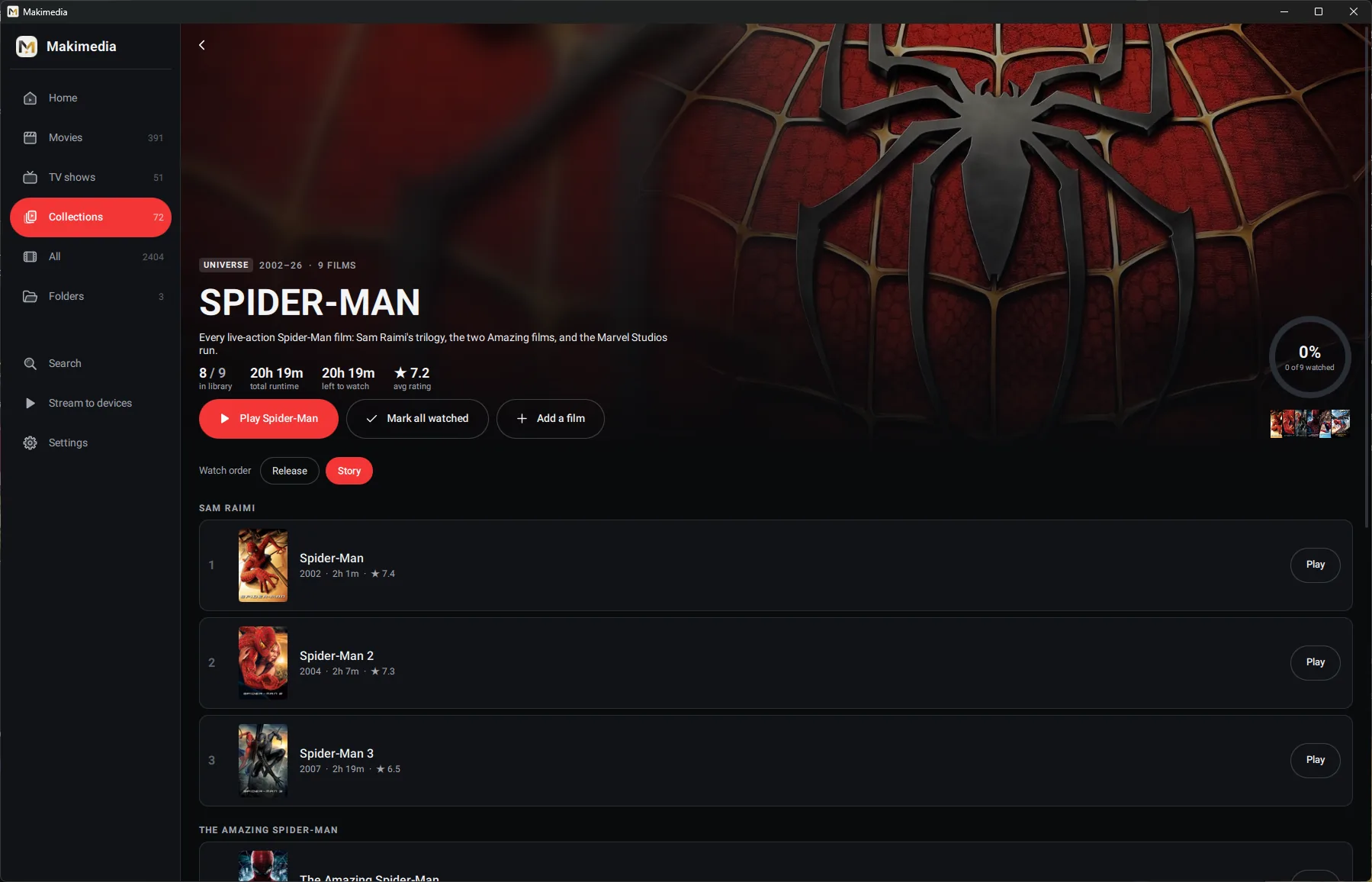
Sagas are grouped for you, from Marvel and DC to Spider-Man and Batman, in story order where it matters. You can make your own collections too.
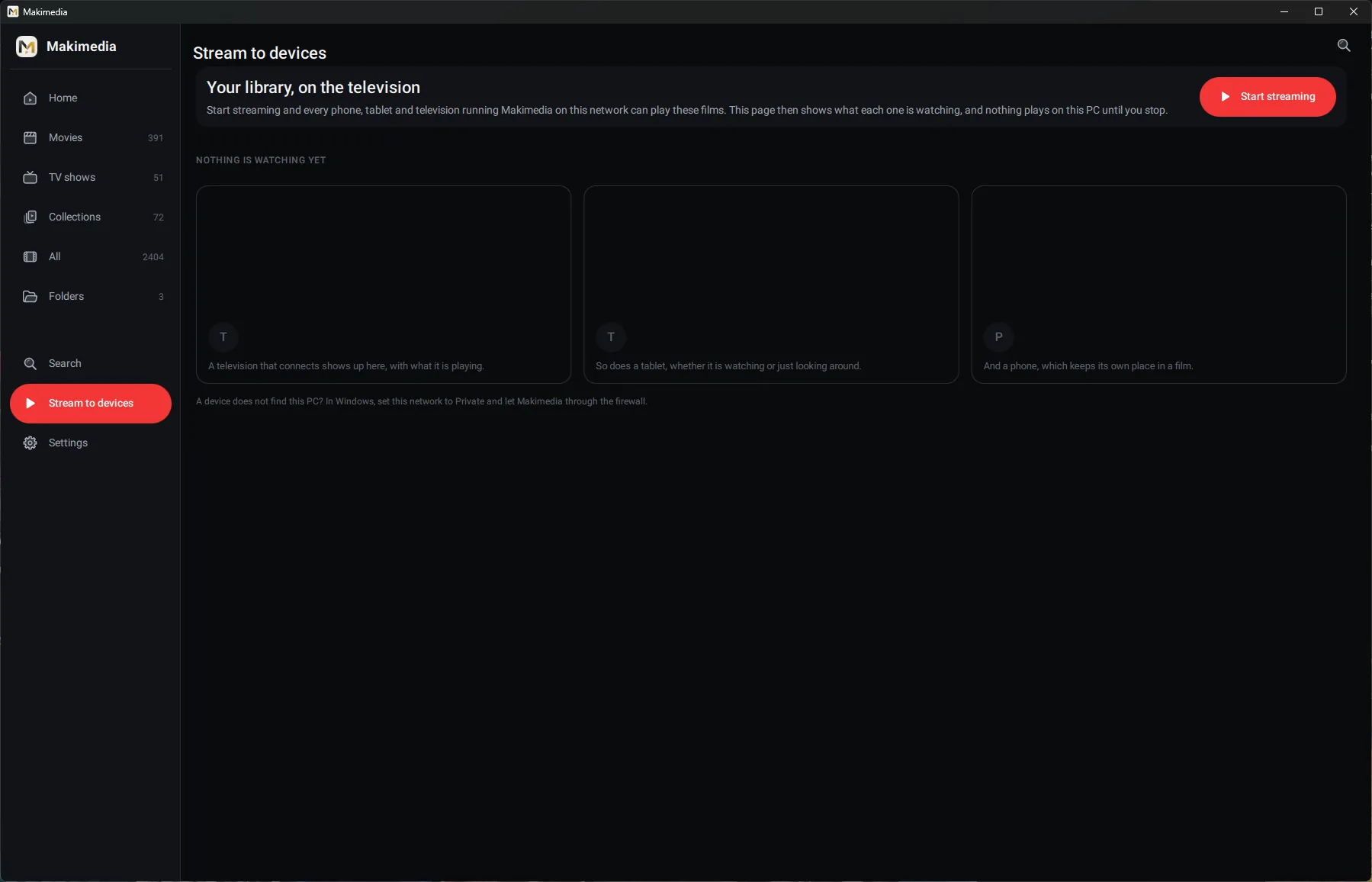
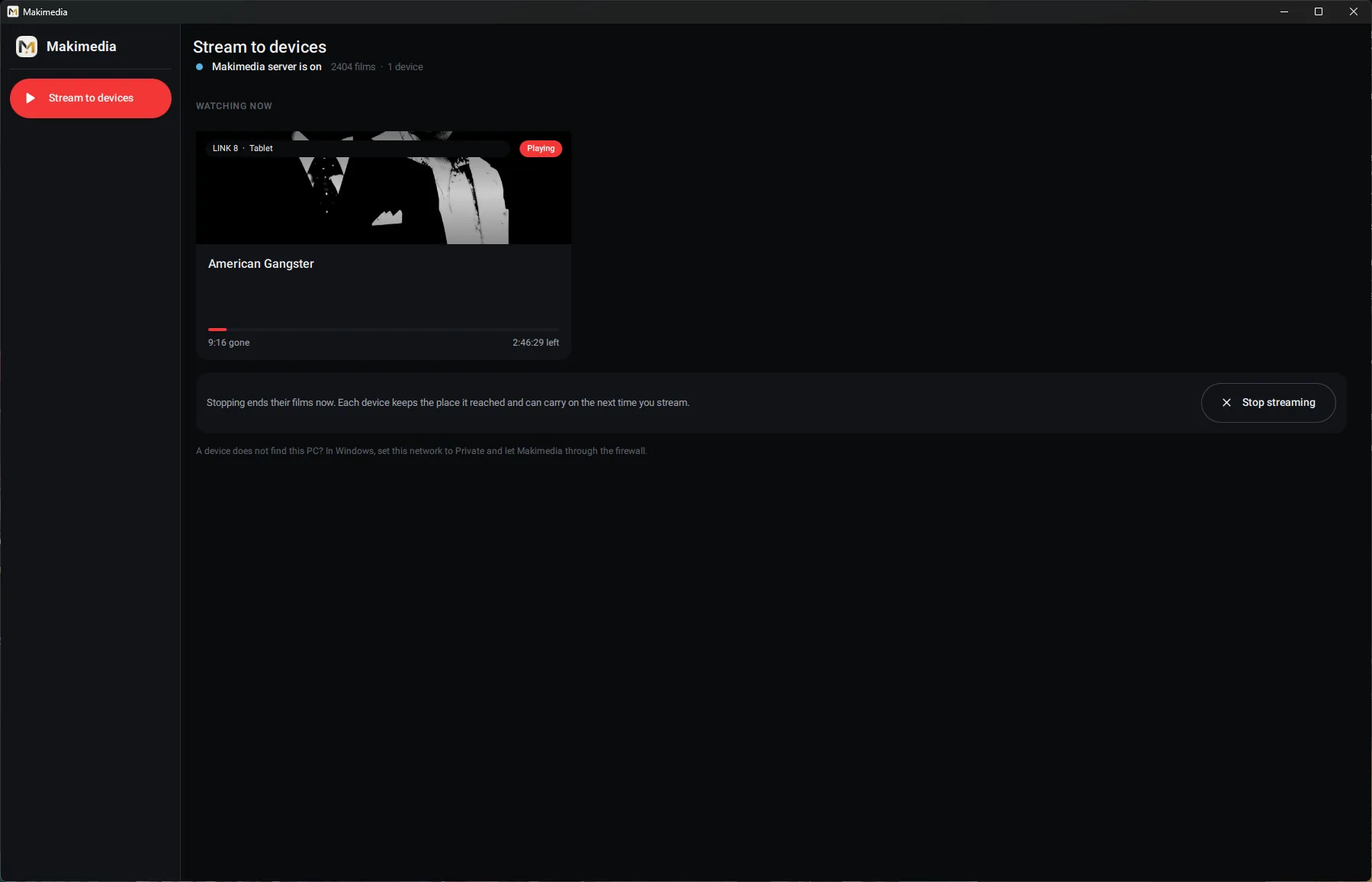
Turn on streaming on Windows and your phone, tablet or TV finds it on your home network. Watch the PC's whole library with no setup and no addresses to type.
Built on mpv, with hardware decoding up to 4K HEVC. Choose audio and subtitle tracks, adjust their timing, or find subtitles on OpenSubtitles.
A mouse, a touchscreen and a TV remote each get their own controls. Nothing is squeezed to fit.
Mouse and keyboard
Touch
The remote
Freeand open source
Makimedia is open source under the GNU GPL. There is no account to create, nothing to subscribe to, and nothing watching what you watch. Your library and your progress stay on your own devices.
Makimedia plays video files you already have. It has no catalogue of its own, and it doesn't sell, rent, host or stream any films or shows.
Only play and stream videos you have the right to use. Film and show titles, posters and artwork seen in the app and in the screenshots on this site belong to their owners and are shown only to illustrate how Makimedia displays a library. Read the legal notice.